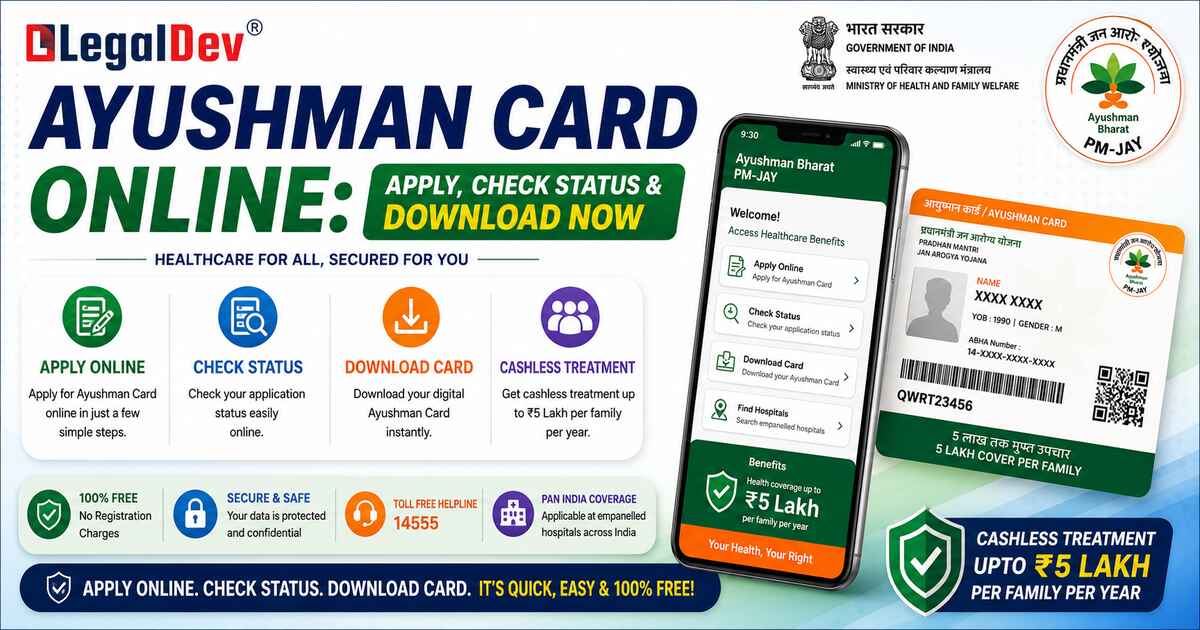
How to Apply for Ayushman Card Online — PMJAY Step-by-Step Guide 2026
Getting your Ayushman Card is one of those things people keep putting off — until someone in the family actually needs hospitalisation. Don't wait for that moment. The Ayushman Card apply online process takes less than 15 minutes if your Aadhaar is linked to your mobile number. Here's everything you need, laid out clearly.
What Is the Ayushman Card?
The Ayushman Card is issued under the Pradhan Mantri Jan Arogya Yojana (PMJAY) — India's flagship government health scheme. With this card, eligible families get cashless treatment worth up to ₹5 lakh per year at empanelled hospitals across the country. Both government and private hospitals are covered.
Need help with GST? Let our experts handle it for you.
✔ Fast Process ✔ 100% Online ✔ Trusted by Businesses
A few things worth knowing upfront:
-
No age limit for existing family beneficiaries — all members are covered
-
No waiting period for pre-existing conditions — coverage kicks in from day one
-
The card works at 30,000+ empanelled hospitals across India
-
Registration is 100% free — online and at CSC centres both
As of March 2025, over 36.9 crore Ayushman Cards have been issued nationwide.
Key Highlights
|
Feature
|
Details
|
|
Health Cover
|
Up to ₹5 lakh per family per year
|
|
Registration Mode
|
Online (PMJAY portal) or offline (CSC centres)
|
|
e-KYC Requirement
|
Aadhaar-based verification mandatory
|
|
Hospital Access
|
Cashless treatment at empanelled hospitals across India
|
|
Eligibility Basis
|
SECC 2011 database (rural & urban)
|
Who Can Apply for Ayushman Card?
PMJAY eligibility is based on the SECC 2011 (Socio-Economic Caste Census) database. The scheme covers economically vulnerable families, low-income occupational groups, and disadvantaged households in both rural and urban areas.
There's one major update from September 2024 — all senior citizens aged 70 years and above are now eligible under PMJAY, regardless of income. They don't need to be in the SECC list. Age proof via Aadhaar is enough. These seniors get a separate Ayushman Vay Vandana Card with an additional ₹5 lakh annual cover — on top of whatever family coverage already exists.
A few categories that do NOT qualify: income tax filers, government employees with salary, owners of four-wheelers, and families with large irrigated landholdings.
Documents Required
Keep these ready before you start the process:
-
Aadhaar Card (mandatory — used for e-KYC)
-
Mobile number linked to Aadhaar (for OTP verification)
-
Age & identity proof (Aadhaar / PAN Card)
-
Income Certificate
-
Proof of Address
-
Caste Certificate (if applicable)
-
Proof of family structure (joint or nuclear)
How to Apply for Ayushman Card Online
This is the PMJAY registration online process through the official portal. Follow these steps exactly:
-
Step 1: Go to the official PMJAY website — pmjay.gov.in
-
Step 2: Click the 'Am I Eligible' link from the top menu
-
Step 3: Enter your mobile number and the captcha code, then verify via OTP
-
Step 4: Enter the captcha again and click 'Login'
-
Step 5: Select your State, set Sub scheme as 'PMJAY', choose your District, select 'Search By' option, enter the required details, and click 'Search'
-
Step 6: Click on the 'Do e-KYC' button against your name
-
Step 7: Select 'Aadhaar OTP' as the authentication method — your Aadhaar number will appear. Click 'Verify'
-
Step 8: Tick the consent box and click 'Allow'. Enter both the Aadhaar OTP and the mobile OTP. Once verified, you'll see the e-KYC completion message.
Wait 15–20 minutes before moving to the download step.
How to Apply for Ayushman Card Offline
Not comfortable with the online process? The Common Services Centre (CSC) route works just as well.
-
Step 1: Visit the nearest Common Services Centre (CSC)
-
Step 2: Request for the Ayushman Bharat Card and give your mobile number for verification
-
Step 3: Submit the relevant documents
-
Step 4: An authorised representative will verify your details and initiate the card issuance process
-
Step 5: Pick up your Ayushman Card from the CSC after a few days
How to Apply for Ayushman Card for Senior Citizens (70+)
The Ayushman Vay Vandana Card registration for senior citizens has its own dedicated flow:
-
Step 1: Visit the official PMJAY website
-
Step 2: Click 'Am I Eligible' from the top menu
-
Step 3: Enter your mobile number and captcha, then click 'Verify'
-
Step 4: Enter the OTP and captcha, then click 'Login'
-
Step 5: Click on 'Click Here to Enroll'
-
Step 6: Enter your Aadhaar number and captcha, then click 'Search'
-
Step 7: Click on the 'Click Here for fresh enrollment of 70' link
-
Step 8: Select 'Aadhaar OTP' for e-KYC and click 'Verify' against your Aadhaar number
-
Step 9: Tick the consent box, click 'Allow', enter both OTPs, select whether you're already a beneficiary of any other scheme, and click 'Proceed'
-
Step 10: Click 'Capture Photo' — your photo will be captured via the device camera
-
Step 11: Fill in additional information and family member details, then click 'Submit'
Checking Status and Downloading the Card
How to Check Ayushman Card Status Online
-
Go to the PMJAY website and click 'Am I Eligible'.
-
Login with your mobile number and OTP.
-
Search using your State and District.
-
'Do e-KYC' button means it is pending; 'Download Card' button means it is ready.
How to Download Ayushman Card Online
-
Log in to the PMJAY website after 15–20 minutes of completing e-KYC.
-
Click the 'Download Card' button.
-
Select 'Aadhaar OTP' for authentication and click 'Verify'.
-
Tick the consent box and click 'Allow'. Enter your Aadhaar OTP and mobile OTP.
-
Click the download icon — your Ayushman Card will save as a PDF.
Common Issues to Watch Out For
-
Name mismatch: Even a small spelling difference between Aadhaar and PMJAY records can block e-KYC.
-
Mobile number link: OTP won't arrive if not linked; fix this at an Aadhaar centre first.
-
Biometric failures: For elderly applicants, request OTP-based verification instead.
-
Outdated details: Family details after marriage or migration need to be updated in the database.
Why This Card Matters
A ₹5 lakh annual health cover, usable at hospitals across India, for families who otherwise can't afford a single surgery. That's what this card is. And since pre-existing conditions are covered from day one — no waiting period, no exclusions — there's genuinely no reason to delay getting it.
Frequently Asked Questions (FAQs)
Q1: Can I apply for Ayushman Card if my name is not in the SECC 2011 list?
A1: If your name isn't in the SECC 2011 database, you generally won't qualify for regular PMJAY enrollment. However, if you or any family member is aged 70 or above, you can register under the Ayushman Vay Vandana Card scheme regardless of income.
Q2: How long does it take to get the Ayushman Card after e-KYC?
A2: The card is typically ready to download within 15–20 minutes of completing successful Aadhaar-based e-KYC. In some cases, it may take a few hours.
Q3: Is the Ayushman Card valid at private hospitals?
A3: Yes — the Ayushman Card works at both government and private hospitals empanelled under PMJAY. There are over 30,000 such hospitals across India.
Q4: What is the difference between the Ayushman Card and the ABHA card?
A4: The Ayushman Card (PMJAY) gives you cashless health insurance of up to ₹5 lakh. The ABHA card is a digital health ID used to store and access your medical records.
Q5: Can senior citizens already covered under CGHS or ECHS also get the Ayushman Card?
A5: Yes — senior citizens (70+) already covered under CGHS or ECHS can continue with their existing scheme or switch to PMJAY. They don't have to give up their existing coverage to enroll.
Q6: What if my Aadhaar OTP doesn't arrive during Ayushman Card registration?
A6: This usually means your mobile number is not linked to your Aadhaar card. Visit your nearest Aadhaar enrolment centre to link or update your mobile number first.
Q7: Can I add a newborn baby to my Ayushman Card?
A7: Yes. Newborn children are automatically covered if they are linked to a verified Ayushman beneficiary parent. There is no cap on family size under PMJAY.
Q8: What is the Ayushman Vay Vandana Card and how is it different?
A8: This is a dedicated card for citizens aged 70 and above. It provides an additional ₹5 lakh annual health cover that is completely separate from the family's existing PMJAY balance.
Q9: Is there any fee to apply for the Ayushman Card online?
A9: No — applying online through the PMJAY portal is completely free. CSC centres may charge a nominal service fee for operator assistance.
Q10: What documents does the hospital need when I use my Ayushman Card?
A10: Present your Ayushman Card along with a valid photo ID (preferably Aadhaar). Treatment is completely cashless and paperless at empanelled facilities.
Need help with GST? Let our experts handle it for you.
✔ Fast Process ✔ 100% Online ✔ Trusted by Businesses