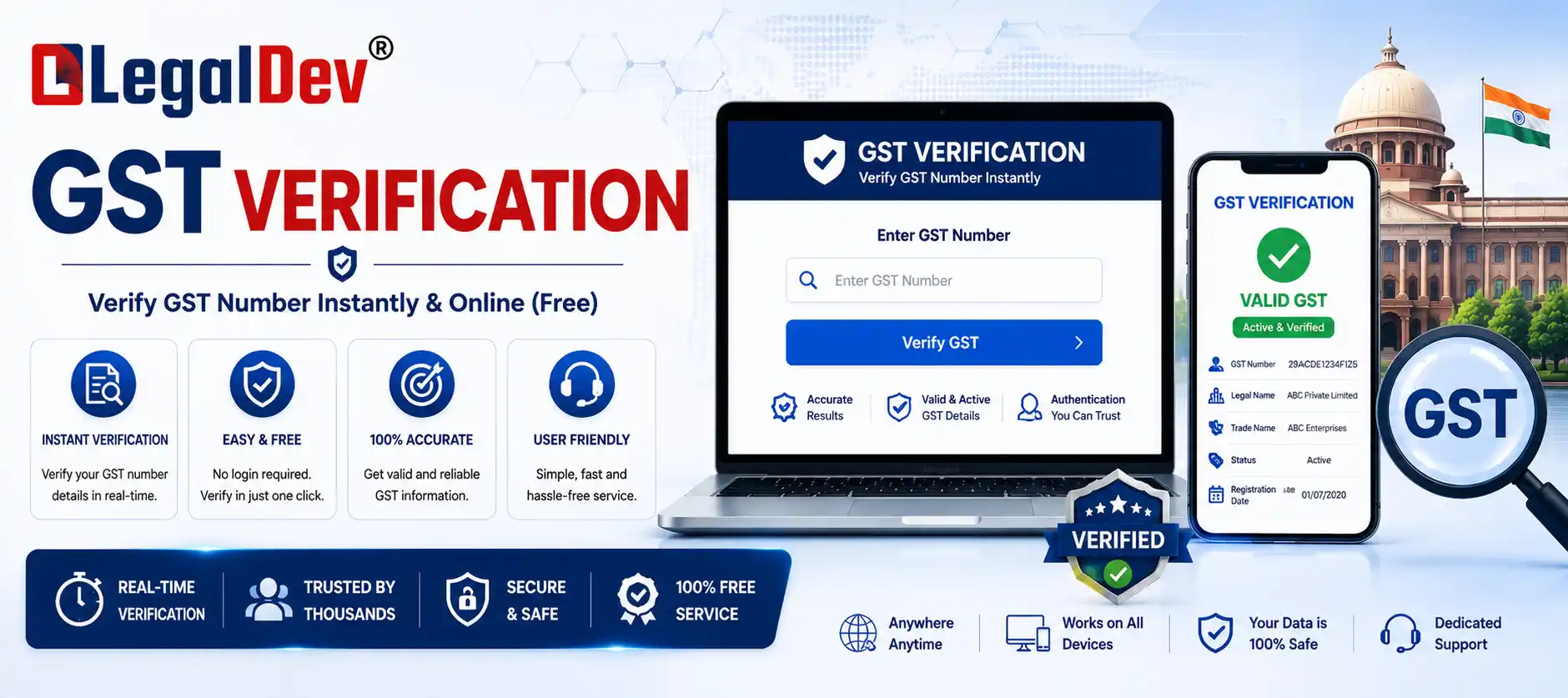
GST Verification: Check GSTIN Status, Legal Name and Filing Record Online
Enter a GSTIN or PAN, get back the live registration status. That's the whole idea behind this tool, and it matters more than most people realize until they've booked a purchase invoice from a supplier whose registration was cancelled three weeks earlier.
What Comes Back From a Single Search
Type in a 15-digit GSTIN, or a 10-digit PAN if you want every registration tied to it, and the tool pulls current status, legal name, and recent GSTR filing activity straight from government records. No account, no signup, no cap on how many times you can search in a day.
A few things worth knowing before you run your first check:
- The data is live, not a stored snapshot. A GSTIN cancelled yesterday shows cancelled today — not whatever status it held the last time someone happened to check it.
- There's no daily limit. Run one lookup for a single vendor or fifty for a bulk reconciliation; nothing here throttles you.
- Two lookup paths. Search a specific GSTIN directly, or drop in a PAN to see every GSTIN registered against it, across every state the business operates in.
- The status is stated plainly. Active, Cancelled, or Suspended shows up as a clear label, not a raw data dump you have to interpret yourself.
How to Check a GST Number in Three Steps
- 1. Enter the number — the 15-digit GSTIN, or the 10-digit PAN if you want the full list of GSTINs under it.
- 2. Click Verify Now.
- 3. Read the result — legal name, registration date, current status, and recent GSTR-1/GSTR-3B filing activity, all on one screen.
Reading a GSTIN, Digit by Digit
A GSTIN isn't an arbitrary code. Every block of characters has a specific job, and knowing what each one means lets you catch an obvious fake before you even run the search.
| Position |
What It Is |
What It Tells You |
| Digits 1–2 |
State code |
Where the business is registered — 27 for Maharashtra, 07 for Delhi, 08 for Rajasthan, and so on |
| Digits 3–12 |
PAN |
The registered entity's 10-character Permanent Account Number |
| Digit 13 |
Registration count |
How many GST registrations exist under this PAN within the same state |
| Digit 14 |
Fixed character |
Set by the tax department, almost always "Z" |
| Digit 15 |
Check digit |
System-generated, catches transcription errors elsewhere in the number |
If characters 3–12 don't line up with the PAN printed elsewhere on the same invoice, that's worth chasing down before the payment goes out — not after.
What Each Status Actually Means for You
Active — the registration holds right now. You can accept the invoice, and the GST charged on it is eligible for Input Tax Credit, assuming the supplier has also filed their side of the paperwork.
Cancelled — the registration has ended, either because the business closed it voluntarily or an officer cancelled it for non-compliance. Anything invoiced after the cancellation date won't support an ITC claim, no matter how correctly it's otherwise filled out.
Suspended — on hold, usually because a return is overdue or a cancellation proceeding is pending. Treat it like a yellow light: pause new payments and ITC claims until it clears back to Active.
Provisional or Migrated — registrations still carried over from the pre-GST tax system, or waiting on final document sign-off. Less common now, but they still show up occasionally in older records.
Why This Check Earns Its Place Before You Pay an Invoice
It Protects Your Input Tax Credit
Section 16 of the CGST Act lays out several conditions that all have to be met before ITC can be claimed — a valid tax invoice, actual receipt of the goods or services, and the supplier's outward supply showing up correctly in their GSTR-1 so it reflects in your GSTR-2B. Since the 2022 amendment to Section 16(2), that GSTR-2B match isn't optional anymore; if the invoice doesn't appear there, the credit doesn't exist for practical purposes, whatever the paper invoice says.
A supplier whose registration is cancelled can't file a valid GSTR-1 going forward, which breaks that chain at the source. There's also a separate deadline to watch — Section 16(4) closes the window for claiming ITC on any invoice by 30th November following the end of that financial year, or the date you file your annual return, whichever comes first. Checking the GSTIN before booking the invoice is the cheap way to avoid finding out about a cancellation only after that window has already shut.
It Catches Fake or Misused GST Numbers
Some invoices carry a GSTIN that was never actually issued. Others use a real number that belongs to a different business entirely. Either way, that's tax collected from you on paper that has no real chance of reaching the government. A search here surfaces a "No Record Found" result, a PAN mismatch, or a legal-name mismatch — any of which is reason enough to hold the invoice back until the supplier clarifies.
It Speeds Up Vendor Onboarding
Before a new vendor gets added to your approved list or receives a first payment, pulling their legal name, registered address, and business constitution — proprietorship, partnership, LLP, private limited — in one search beats chasing paperwork back and forth over email.
Building GST Verification Into a Routine, Not a One-Off
A vendor's status isn't fixed the day you onboard them. Registrations get cancelled, suspended, and occasionally reinstated, and a check done six months ago tells you nothing about today. Running this before every invoice gets booked, or at least on a fixed schedule tied to your GSTR-2B reconciliation cycle, costs a lot less than unwinding an ITC reversal or a compliance notice after the fact.
Also useful: GST Registration · GST Return Filing · MSME Registration
The Bottom Line
Treat this as a step in the payment process, not an emergency measure for when something already looks wrong. It takes under a minute, costs nothing, and the alternative — an ITC reversal, a fraud dispute, or a notice from the department months down the line — costs considerably more than a minute.