100% Free
No Login Needed
Live Govt Data
Official API Source
PAN to GST Search — Find GSTIN by PAN Card Instantly
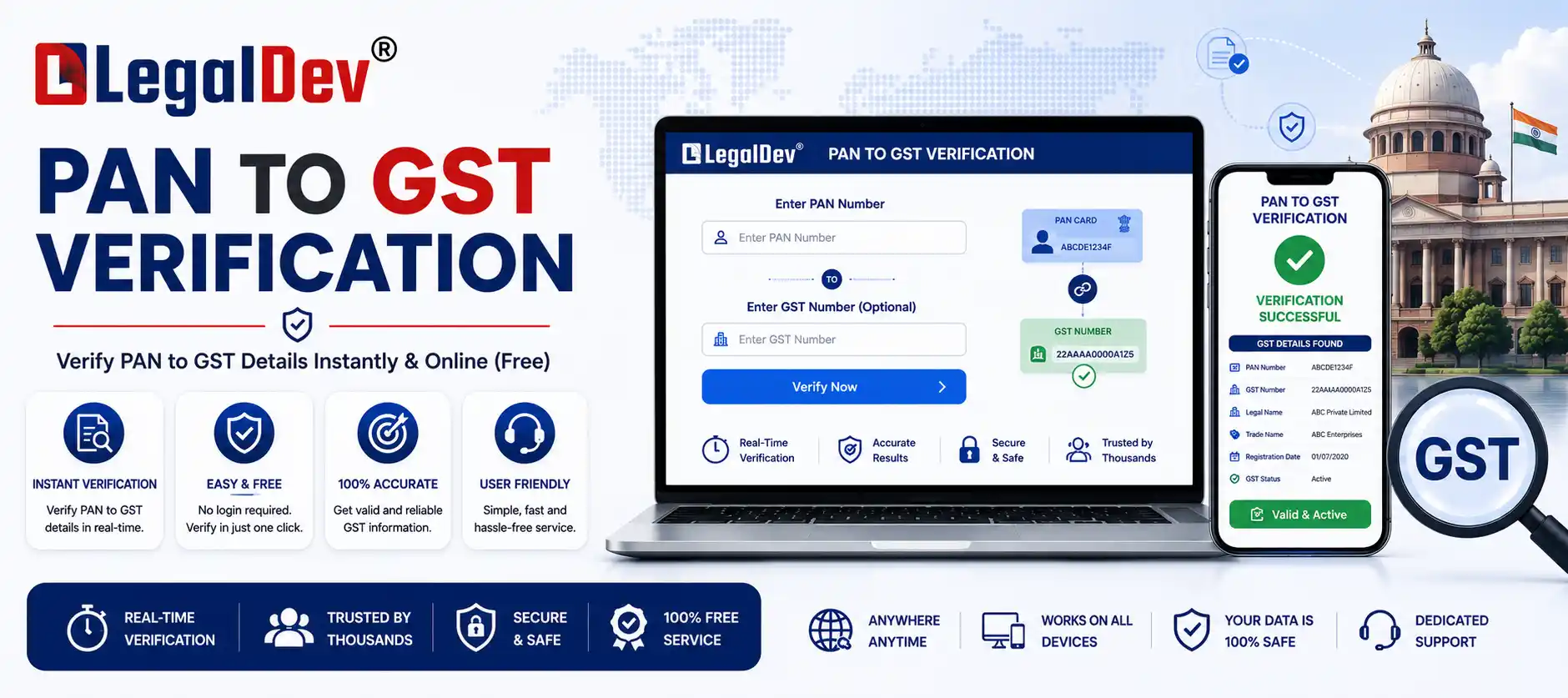
The tool above lets you run a complete GST number search by PAN in seconds. Enter any 10-character PAN and get every GSTIN linked to it, pulled directly from the official GSTN database — active, cancelled, or suspended registrations included. No account, no CAPTCHA, no charge. Whether you're doing a vendor check, reconciling Input Tax Credit, or verifying a new business partner, this is the fastest way to find GST by PAN.
What Is a GSTIN and How Is It Linked to PAN?
Every entity registered under India's Goods and Services Tax framework is issued a unique 15-character GSTIN (Goods and Services Tax Identification Number). The reason a PAN-to-GST search works so reliably comes down to how the number is structured: characters 3 through 12 of every GSTIN are always the taxpayer's PAN. This isn't a coincidence — Rule 8 of the CGST Rules requires GSTIN allotment to be built around the applicant's PAN, which is why the two identifiers are permanently linked in the government's own system.
Example: If a business's PAN is AAAPL1234C, its GSTIN issued in Maharashtra would read 27AAAPL1234C1Z5 — the PAN sits right in the middle, sandwiched between the state code and the entity/check-digit characters.
This built-in relationship is what makes a GST search by PAN both accurate and comprehensive. Because GSTN uses PAN as the backbone of every tax identity, one lookup surfaces every GST registration tied to that entity, in every state.
| Position in GSTIN |
Characters |
What It Contains |
| 1 – 2 |
2 digits |
State code (e.g. 07 = Delhi, 09 = Uttar Pradesh, 27 = Maharashtra, 29 = Karnataka) |
| 3 – 12 |
10 characters |
Taxpayer's PAN — the direct GST–PAN link |
| 13 |
1 character |
Entity number (1–9, then A–Z, for multiple registrations of the same PAN in one state) |
| 14 |
Z |
Fixed default character |
| 15 |
1 character |
Check digit, auto-calculated for validation |
To be clear on a common point of confusion: a PAN card itself never displays a GSTIN. What people usually mean by "GSTIN in PAN card" is the reverse relationship — the GSTIN contains the PAN, not the other way round. Use the tool above to go from PAN to GSTIN, not the other direction.
Why This Matters for Input Tax Credit
Under Section 16(2) of the CGST Act, a buyer can only claim Input Tax Credit if the supplier is a genuine, GST-registered taxpayer who has actually filed the relevant return and deposited the tax. In practice, that means the GSTIN quoted on a purchase invoice has to be real, active, and correctly matched to the vendor's legal name — not just present-looking. A quick PAN-based search before you record or pay an invoice is a low-effort way to catch a cancelled registration or a mismatched entity before it becomes an ITC reversal headache during assessment.
Who Should Check GST Number by PAN — and When
-
Vendor onboarding. Before adding a new supplier to your system, confirm their registration is active and genuinely registered — not cancelled, not fabricated.
-
ITC reconciliation. Cross-check every supplier PAN against GSTN records before finalising monthly or quarterly ITC claims.
-
CA and accounting workflows. Practitioners frequently need every GSTIN tied to a single client PAN at once — useful during return season, audits, or when a client has expanded into new states.
-
Due diligence before a partnership or contract. Before signing anything with a new vendor, distributor, or JV partner, a PAN-based GST status check confirms you're dealing with a legitimately registered business, not a shell entity.
A PAN-based search gives a wider picture than a single GSTIN lookup, because one PAN can carry multiple GSTINs across states and business verticals — a straight GSTIN search only shows you one record at a time.
How to Find GST Number by PAN Using This Tool
-
1. Enter the PAN. Type the 10-character PAN (format: ABCDE1234F) into the search box at the top of this page.
-
2. Click Search. The tool queries the official GSTN database in real time.
-
3. Review the results. Every GSTIN linked to that PAN appears, along with legal name, trade name, state, and current registration status.
-
4. Use the GSTIN. Copy it for invoicing, ITC checks, or a deeper look using the GST Verification tool.
No sign-up, no storage of your search, no fee — the same data the official portal returns, minus the CAPTCHA friction.
How Many GSTINs Can One PAN Have?
There's no hard cap on the total number of GSTINs a single PAN can hold — the real limit is one GSTIN per state (or Union Territory) where the entity operates, plus the option to register separate GSTINs for distinct business verticals within the same state if the taxpayer chooses to. So a business active in eight states could legitimately show eight (or more) GSTINs against one PAN. This is exactly the kind of pattern a PAN-based search is built to surface in a single query, rather than requiring eight separate GSTIN lookups.
One PAN, Multiple GSTINs — Common Scenarios
-
The business operates in more than one state — each state needs its own GST registration.
-
The taxpayer runs multiple distinct business verticals registered separately under the same PAN.
-
A company has branches or divisions holding independent registrations.
-
A sole proprietor holds separate personal and business GSTINs under one individual PAN.
When you search by PAN, every one of these is returned together — not just the most recent record. This matters most when you're checking a multi-state vendor, since you need the specific GSTIN on their invoice to match the state where the supply is actually taking place.
GST Status Check by PAN — What Each Result Means
| Status |
What It Means |
What To Do |
| Active |
Valid, current registration; the taxpayer can legally charge GST. |
Safe to transact; ITC is valid provided the supplier files returns. |
| Cancelled |
Registration withdrawn — either voluntarily or by the department. |
Don't claim ITC on invoices dated after the cancellation date. |
| Suspended |
Temporarily on hold, usually pending a departmental inquiry. |
Hold off on ITC claims; confirm directly with the supplier before paying. |
| Provisional |
Legacy status from migration out of the pre-GST tax regime. |
Confirm the supplier has since converted to a final registration. |
| Not Found |
No GST registration exists against this PAN. |
The entity may be unregistered, below the turnover threshold, or you may have a typo in the PAN. |
Checking on the Official GST Portal Directly
If you'd rather verify straight from the source, the government's own portal at www.gst.gov.in supports a PAN-based search too:
-
Open gst.gov.in and select Search Taxpayer from the top menu.
-
Choose Search by PAN.
-
Enter the complete 10-character PAN.
-
Complete the CAPTCHA.
-
Click Search to view every GSTIN linked to that PAN.
The underlying data is identical to what this tool shows — both pull from the same GSTN database. The difference is speed: this tool skips the CAPTCHA step, which matters if you're running several lookups back-to-back.
PAN and GSTIN — Key Differences
PAN (Permanent Account Number)
- Issued by: Income Tax Department
- Length: 10 alphanumeric characters
- Uniqueness: One per person or entity, for life
- Used for: Income tax filing, TDS, PAN–Aadhaar linking
- Contains GST info: No — but every GSTIN contains the PAN
GSTIN (GST Identification Number)
- Issued by: GSTN (GST Network)
- Length: 15 characters
- Uniqueness: One per state, per entity (or per registered business vertical)
- Used for: GST returns, e-invoicing, ITC claims
- Contains PAN: Yes — positions 3–12
Tips for an Accurate Search
-
Use uppercase letters. PAN is always 10 characters in uppercase (e.g. ABCDE1234F). The tool accepts either case, but uppercase avoids ambiguity.
-
Watch for zero vs. the letter O. A PAN never contains the letter "O" — every O-shaped character in a PAN is actually the digit 0. This is one of the most frequent data-entry errors in any PAN-based lookup.
-
Enter the full PAN. A partial or truncated PAN returns nothing — all 10 characters are required.
-
Check every GSTIN returned. For a multi-state business, match the specific GSTIN on the invoice to the state where the supply actually occurred — don't assume the first result is the right one.
-
Note the registration date. A newly issued GSTIN may not have any filed returns yet. Cross-check on the GST Filing Status tool before relying on it for ITC.
-
Recheck periodically. Registrations can be cancelled or suspended anytime. A vendor active last month may not be active today — build a habit of rechecking active vendors, not just new ones.
Frequently Asked Questions
It's a lookup that uses your 10-character PAN to retrieve every GSTIN registered against it, across all states, directly from the GSTN database. It works because PAN is embedded inside every GSTIN by design (Rule 8, CGST Rules).
Yes. The search is completely free, requires no login, and doesn't store your query.
Yes — one GSTIN per state of operation, and additional GSTINs are possible for separate business verticals within the same state. There's no fixed overall cap.
Either the entity has no GST registration under that PAN, the business falls below the mandatory registration turnover threshold, or there's a typo in the PAN entered — double-check for the letter O versus the digit 0.
You can, but it's risky. Under Section 16(2) of the CGST Act, ITC eligibility depends on the supplier being genuinely registered and compliant. Checking the GSTIN's status by PAN before claiming ITC helps avoid a reversal later if the registration turns out to be cancelled or fraudulent.
Yes. Both this tool and gst.gov.in pull from the same live GSTN database — the results are identical. This tool simply removes the CAPTCHA step.
A PAN search returns every GSTIN linked to that entity across all states and verticals in one go. A GSTIN-only search returns just that single registration's details.
A cancelled GSTIN means that specific registration is no longer valid for GST purposes; it doesn't necessarily mean the business has shut down. It may have re-registered under a new GSTIN, especially after a change in structure — search again to check for an active replacement registration.
Search the PAN or GSTIN on this tool. If nothing comes back, the number doesn't exist in the government system. If it exists but the legal name doesn't match who you're dealing with, treat it as a red flag and verify directly with the business before transacting.
The tool is built for one PAN at a time. For repeated or high-volume lookups (common for accounting firms during return season), running searches individually through this free tool is still faster than the CAPTCHA-gated official portal.
Related GST Tools on LegalDev
If you are working with GST compliance regularly, these tools from LegalDev work well alongside a pan to gst lookup: GST Verification (look up full details for a specific GSTIN), Name to GST Search (find GSTINs by business/legal name), GST Filing Status (check whether a GSTIN's returns are up to date before claiming ITC), GST ARN Status Check (track a new GST registration application), and the Free GST Calculator (work out GST-inclusive and exclusive amounts).
Need Help with New GST Registration or Return Filing?
Get complete CA-assisted GST solutions without any tax compliance worries.
Apply For GST Registration →