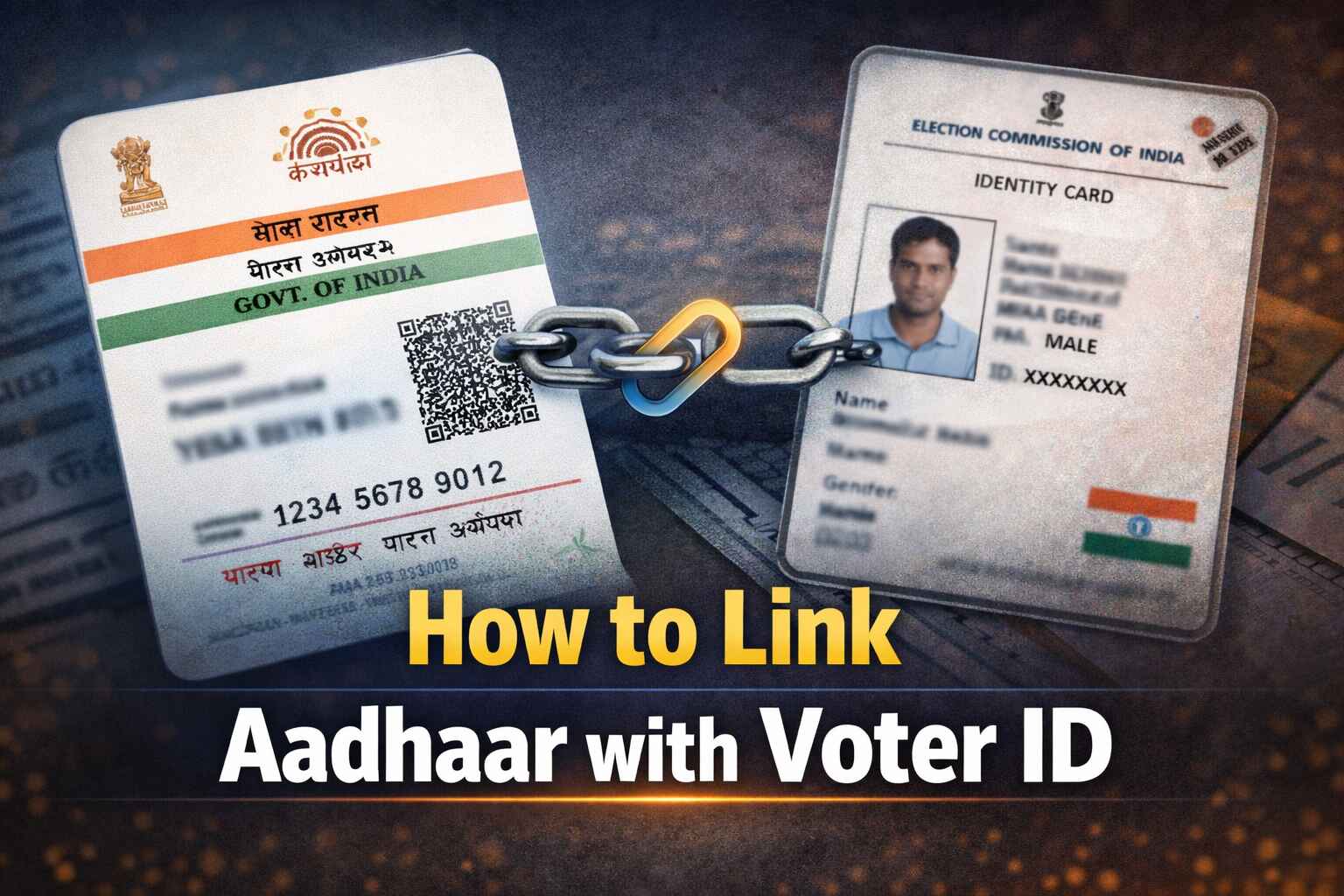
Connecting your two most important civic documents sounds like a bureaucratic nightmare. I get it. The good news? You can actually link Aadhaar with Voter ID from your couch in about five minutes. The Election Commission registry pushes this initiative to strip duplicate polling entries from the system. It keeps our elections clean.
Let's clear up the biggest rumor first: Nobody will deny your right to cast a ballot if you skip this step. Merging these documents remains entirely optional. Your data stays protected under strict biometric privacy laws, meaning outside companies never touch your information.
If you want the best way to sync voter profile details quickly, you have options. Let's break down exactly how to do this without pulling your hair out.
The Quick Cheat Sheet Before You Start
Before opening any tabs, gather your supplies. You need your twelve-digit biometric identification number and your current election card. Keep the smartphone attached to your national ID nearby, because a registered mobile OTP will definitely hit your screen.
Everything runs through a specific piece of paperwork called Form 6B submission. You never pay a single rupee for this service.
Voter ID Aadhaar Linking Online: The Desktop Method
Using a computer monitor makes navigating government websites much easier. The national voters service portal crashes occasionally during high traffic, but it usually processes requests smoothly.
-
Create a fresh account on the main election portal. Log in.
-
Spot the menu labeled 'Forms' and select the 6B option.
-
Tell the system your home state and your exact state assembly constituency.
-
Type out your personal data alongside that twelve-digit code.
-
Punch in the password sent to your phone. Hit the preview button.
-
Confirm everything looks perfect. Submit the digital paperwork.
Write down that application reference number immediately. Trust me on this. Recovering a lost tracking code is notoriously difficult.
What Happens When You Use the Official Mobile App
Prefer swiping? Grab the dedicated election application from your phone's default store.
Open the dashboard and tap the registration icon. Choose the electoral authentication document to begin the flow. The app will demand the phone digits tied directly to your biometric profile. Type in the temporary passcode they text you.
Next, tell the application you already hold an EPIC code. Enter those characters precisely. Feed the system your remaining biometric numbers and your current location. Tap confirm. The screen spits out a tracking code you should screenshot instantly.
Merge Election Details Securely Without Internet
Sometimes technology just refuses to cooperate. You still have two incredibly simple fallback methods.
The Text Message Route
You can fix this using a basic cell phone. Just use the standard Aadhaar voter ID SMS format. Draft a message to either 166 or 51969.
Type this exact string: ECILINK [Space] [Your EPIC Code] [Space] [Your Twelve-Digit Code]. Hit send. That's it.
The Phone Call Strategy
Rather talk to a human? Dial 1950. Call them Monday through Friday between regular morning and late afternoon hours. They will handle the electronic sync for you.
The Offline BLO Linking Process
Old-school paper still works perfectly fine. Track down your neighborhood Booth Level Officer. Hand them a physical copy of the 6B paperwork along with photocopies of both identification cards. They verify the physical documents face-to-face. Once approved, the official handles the backend polling station verification themselves.
The Name Mismatch Nightmare Nobody Talks About
Even tiny spelling variations trigger immediate system rejections. I helped my cousin fix his profile last month because his election card said "Kumar" and his biometric profile just said "K." The portal flat-out refused the connection.
If this happens, stop trying to force the application through. You must fix the underlying error first. Jump onto the UIDAI correction portal to fix your biometric spelling, or file Form 8 to adjust your election profile. Once the names match perfectly, try the connection process again.
FAQ's
Why did my Form 6B fail immediately after submission?
The system flags exact character mismatches instantly. If your birth year or name spelling differs by even one letter across both databases, the automated software rejects the request. You have to correct the wrong document before attempting the sync again.
Is Aadhaar mandatory for voting this year?
Absolutely not. Throwing a ballot into the box remains your fundamental right regardless of your linked status. The government encourages the connection to clean up the backend databases, but they cannot legally block you from the voting booth over it.
How long does it actually take to check voter card Aadhaar status?
The backend approval usually takes anywhere from five to ten business days. Once that window passes, pull up the main government site. Punch in your tracking code to see if the green approval checkmark finally appeared.
Do I actually need to fix my spelling mistake on the UIDAI correction portal first?
Yes, unless you want to use the offline method. If you refuse to use the online correction tools, you must hand physical paperwork to your local polling officer. They possess the authority to manually override minor spelling discrepancies after verifying your face physically.
What goes wrong if I text the wrong Aadhaar voter ID SMS format?
The automated server just ignores you. You won't break anything, but you also won't receive an error message explaining your mistake. Double-check your spacing and ensure you type "ECILINK" exactly as shown before hitting send.