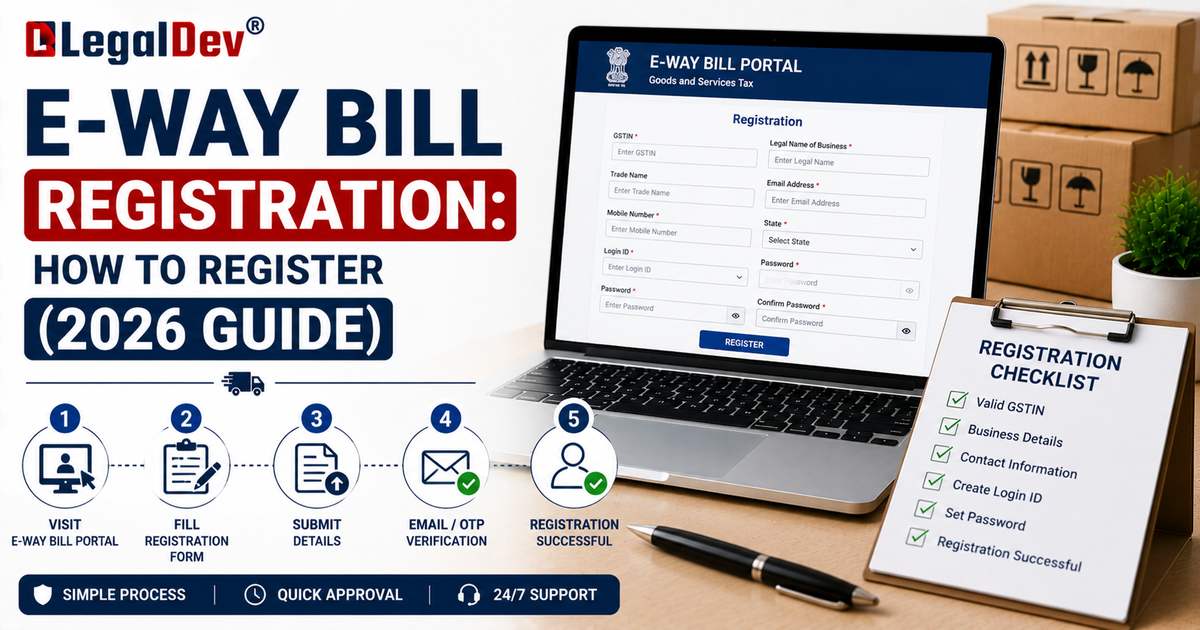
E-Way Bill Registration: How to Register on the Portal
Before you can generate a single e-way bill, you need an account on the e-way bill portal. Registration is a one-time process, and the exact steps depend on whether you're a GST-registered business or an unregistered transporter.
Who Needs to Register
-
GST-registered taxpayers who supply or receive goods above the applicable threshold.
-
Transporters, whether GST-registered or not, who move goods on behalf of clients.
-
Registered persons acting as a transporter's client, who may need to authorise a transporter to update transport details on their behalf.
Registration for GST-Registered Businesses
Step 1: Go to the portal Visit ewaybillgst.gov.in. If a login box appears, close it, since you don't have an account yet.
Step 2: Select e-Way Bill Registration Click "Registration" in the menu, then choose "e-Way Bill Registration."
Step 3: Enter your GSTIN Type in your 15-digit GSTIN and the captcha shown, then click "Go."
Step 4: Verify your auto-filled details The portal pulls your name, trade name, address, email, and mobile number directly from the GST database. Review these carefully. If anything is outdated, click "Update from GST Common Portal" to refresh the details before proceeding.
Step 5: Verify with OTP Click "Send OTP." Enter the OTP sent to your registered mobile number, then verify it.
Step 6: Create your login credentials Set a User ID, 8 to 15 alphanumeric characters, and a password of the same length that combines letters, numbers, and special characters. Passwords are case-sensitive.
Step 7: Submit Once submitted, your account is created immediately, and you can log in right away using your new User ID and password.
Registration for Unregistered Transporters
Transport businesses that don't have a GST registration can still generate and manage e-way bills on behalf of their clients, through a separate enrolment process:
Step 1: Go to the portal Visit the e-way bill portal and click "Registration."
Step 2: Choose Enrolment for Transporters Select "Enrolment for Transporters," which opens the Enrolment Form under Section 35(2) of the GST law.
Step 3: Fill in your business details Select your state, and enter your PAN and business information, including your business type and address.
Step 4: Create login credentials Set a username and password for future access.
Step 5: Confirm and submit Tick the declaration checkbox confirming the information is correct, then click "Save."
Step 6: Receive your TRANS ID The system generates a unique 15-digit TRANS ID. This works like a GSTIN substitute for e-way bill purposes: share it with clients so they can assign e-way bills to your transport business.
Documents and Details You'll Need
-
Your GSTIN (for registered businesses) or PAN (for unregistered transporters).
-
A working mobile number for OTP verification.
-
A valid email address linked to your GST registration.
-
Your business trade name and address, for confirmation during registration.
Registering Sub-Users
Larger businesses often need more than one person accessing the e-way bill account, for example, a warehouse team generating bills and an accounts team managing records. After the main account is set up, the administrator can create sub-users from the dashboard, each with their own login and a defined set of permissions, without sharing the primary password.
What Happens After Registration
Once registered, you can log in immediately and start generating e-way bills, subject to the usual rules on GSTIN validity and GSTR-3B filing status. For full login instructions, forgot-password steps, and troubleshooting, see our E-Way Bill Login page.
Frequently Asked Questions
Is there a fee for e-way bill registration?
No. Registration on the official portal is completely free, for both GST-registered businesses and unregistered transporters.
Can I register with an inactive or cancelled GSTIN?
No. Your GSTIN must be active. A suspended or cancelled GSTIN will fail verification during registration.
How long does registration take?
The process itself takes only a few minutes if your GST details are current and you have access to your registered mobile number for OTP verification.
Do I need to register separately on E-Way Bill 2.0?
No. Registration on ewaybillgst.gov.in covers both the original portal and E-Way Bill 2.0, since the two sync using the same credentials.
Can a business have more than one e-way bill account?
One primary account is created per GSTIN, but you can add multiple sub-users under that one account for different employees or departments.
Read Next
Once registered, head to E-Way Bill Login to sign in and explore your dashboard, or go straight to How to Generate an E-Way Bill to create your first one.