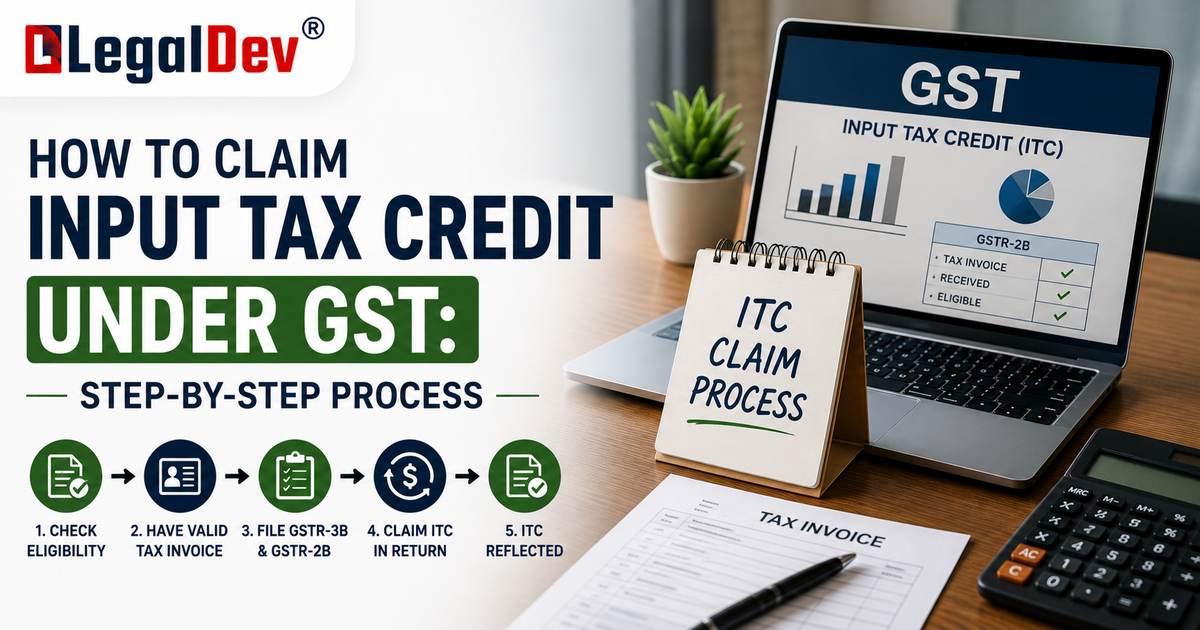
How to Claim Input Tax Credit Under GST
Claiming ITC is not a one-time declaration — it is a monthly (or quarterly) cycle that runs from the moment a purchase is made to the point that credit is actually used to offset output tax. Getting any one step wrong usually means the credit either does not show up at all, or has to be reversed later with interest.
This page walks through that cycle in the order it actually happens on the GST portal: purchase, invoice, GSTR-2B, reconciliation, GSTR-3B, and final utilisation. For the legal conditions that must be satisfied for a claim to be valid, see Conditions for Claiming Input Tax Credit. For who is allowed to claim ITC at all, see Input Tax Credit Eligibility.
The ITC Claim Process at a Glance
Purchase
↓
Supplier Invoice
↓
Supplier Reports Sale in GSTR-1
↓
Invoice Management System (IMS) — Accept / Reject / Pending
↓
GSTR-2B Generated
↓
Reconciliation With Purchase Records
↓
ITC Reported in GSTR-3B (Table 4)
↓
ITC Utilised Against Output Tax
Each stage is explained below.
Step 1: Make the Purchase and Collect a Valid Invoice
The process begins the moment a business buys goods or services for its operations. At this stage, the priority is documentation, not the return itself:
-
Confirm the invoice carries the correct GSTIN, invoice number, taxable value, tax rate, and tax amount
-
Check that the supplier is a registered, active taxpayer (not under composition scheme, and not a cancelled registration)
-
Keep the invoice, delivery challan, and any e-way bill together for the same transaction
-
For imports, retain the bill of entry; for inter-branch service allocation, retain the ISD invoice
No credit can be claimed on the basis of a purchase order or an unpaid pro forma invoice — only a valid tax document counts.
Step 2: Supplier Reports the Sale in GSTR-1
The supplier is responsible for reporting the sale in their own outward supply return (GSTR-1, or the Invoice Furnishing Facility for QRMP filers). This step is entirely outside the buyer's control, but it is the trigger for everything that follows — if the supplier does not report the invoice, it never reaches the buyer's side of the system.
Step 3: Act on the Invoice in the Invoice Management System (IMS)
Every invoice a supplier uploads flows into the buyer's IMS dashboard on the GST portal (Services → Returns → Invoice Management System). IMS is now a mandatory step, not an optional check — action taken here directly decides what ITC becomes available for the period.
For each invoice, debit note, or credit note, the buyer takes one of three actions:
-
Accept — confirms the invoice is valid, the goods or services were received, and the values are correct. Accepted invoices flow into GSTR-2B as available ITC.
-
Reject — used when an invoice does not belong to the buyer, is duplicated, or has incorrect details. Rejected invoices do not flow into GSTR-2B, and the supplier is notified so they can correct or cancel it on their end.
-
Keep Pending — used when goods or services have genuinely not yet been received, or a discrepancy is still being resolved with the supplier. Pending invoices do not populate GSTR-2B until action is taken in a later period.
Invoices left unactioned by the time GSTR-2B is generated are typically treated as deemed accepted, so relying on inaction is not the same as a deliberate decision — a rejected or genuinely pending invoice should always be actioned explicitly.
Step 4: GSTR-2B Is Generated
GSTR-2B is generated for each period based on the IMS actions taken and the invoices suppliers have reported. It shows, invoice by invoice, which credit is currently available, which has been rejected, and which is pending. If any IMS action is taken after the statement is first generated, it needs to be recomputed before relying on the updated figures.
This statement — not the buyer's own purchase register — is what ultimately determines how much ITC can be claimed for the period.
Step 5: Reconcile GSTR-2B With Purchase Records
Before filing the return, GSTR-2B should be checked line by line against the business's own books and purchase register. Three situations typically come up:
-
Invoice in books but missing from GSTR-2B — usually because the supplier has not filed, or filed late. This ITC should not be claimed yet; the buyer should follow up with the supplier rather than claim it prematurely.
-
Invoice in GSTR-2B but not in the books — could indicate a duplicate entry, a wrongly addressed invoice, or a transaction the buyer needs to verify. This should be rejected or kept pending in IMS rather than accepted blindly.
-
Values match — the invoice can be confirmed as eligible ITC for the period.
Skipping this reconciliation is one of the most common reasons businesses either under-claim genuine credit or over-claim credit they later have to reverse with interest.
Step 6: Report ITC in GSTR-3B
Once reconciliation is complete, the eligible ITC is reported in Table 4 of GSTR-3B, which is largely auto-populated from the recomputed GSTR-2B:
-
Table 4A — total ITC available, broken down by source (inputs, capital goods, input services, reverse charge, and so on)
-
Table 4B — ITC reversed, split between permanent reversals (blocked credit under Section 17(5)) and temporary reversals (such as the 180-day non-payment rule)
-
Table 4C — net ITC available, calculated automatically as 4A minus 4B
-
Table 4D — includes ITC reclaimed from earlier temporary reversals, and ITC that has become ineligible due to the time limit under Section 16(4)
The portal increasingly resists manual entries that exceed the auto-populated figure from GSTR-2B, so any figure a business wants to claim above the system value needs to be corrected at the IMS or GSTR-2B stage rather than typed directly into GSTR-3B.
Step 7: Utilise ITC Against Output Tax
Once the return is filed, the eligible ITC sits in the business's electronic credit ledger and is used to offset the output GST liability for that period, following the prescribed order of utilisation between IGST, CGST, and SGST/UTGST credit. Any ITC left over after fully setting off the period's liability carries forward to be used in future periods.
Practical Example of the Full Cycle
A trading business buys goods worth ₹3,00,000 plus ₹54,000 GST in June. The supplier files their GSTR-1 for June on time, and the invoice appears in the trader's IMS dashboard. The trader checks the invoice against the delivery received, confirms the values match the purchase order, and accepts it in IMS. When GSTR-2B for June is generated, the ₹54,000 shows as available ITC. The trader reconciles this against the purchase register — everything matches — and Table 4A of the June GSTR-3B auto-populates the ₹54,000. After adjusting against an output GST liability of ₹80,000 for the month, the trader pays the balance ₹26,000 in cash and the return is filed.
Common Mistakes in the ITC Claim Process
-
Leaving invoices unactioned in IMS and assuming they will be handled automatically
-
Accepting invoices in IMS without checking them against actual goods or services received
-
Claiming ITC directly from the purchase register without waiting for it to reflect in GSTR-2B
-
Manually inflating the ITC figure in GSTR-3B beyond what GSTR-2B supports
-
Not recomputing GSTR-2B after taking a late IMS action, and filing on outdated figures
-
Missing the reconciliation step entirely and treating GSTR-3B as a formality
Frequently Asked Questions
What is the correct sequence to claim Input Tax Credit under GST?
Purchase and receive a valid invoice, wait for the supplier to report it in GSTR-1, take an Accept/Reject/Pending action in IMS, let GSTR-2B generate, reconcile it against purchase records, and then report the eligible ITC in GSTR-3B before utilising it against output tax.
Can ITC be claimed without acting on the invoice in IMS?
Invoices left unactioned are generally treated as deemed accepted once GSTR-2B is generated, but relying on this is risky — invoices that should be rejected or kept pending need an explicit action to avoid claiming ineligible credit.
Which table in GSTR-3B is used to claim ITC?
Table 4, which is divided into ITC available (4A), ITC reversed (4B), net ITC (4C), and other adjustments including reclaimed and time-barred credit (4D).
What happens if an invoice is not reflected in GSTR-2B?
That ITC cannot be claimed for the current period. It has to wait until the supplier reports it correctly and it appears in a later GSTR-2B.
Is reconciliation between books and GSTR-2B mandatory before filing GSTR-3B?
It is not a separate filing requirement, but skipping it is one of the most common causes of ITC mismatches, notices, and reversals with interest.