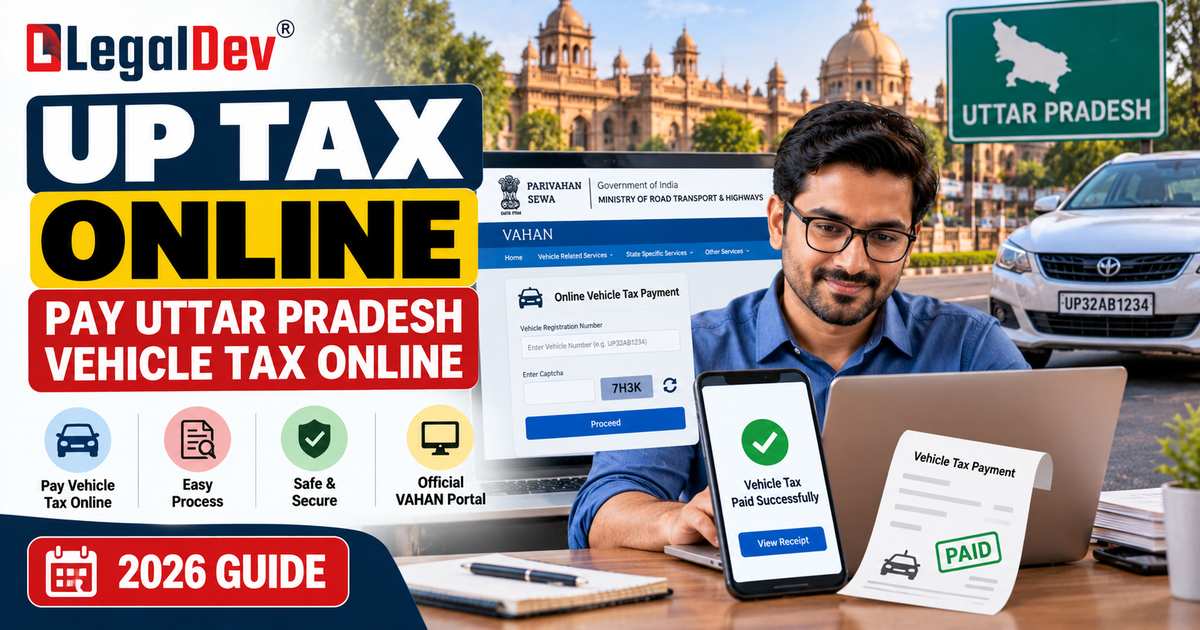
Owning a vehicle in Uttar Pradesh comes with the ongoing responsibility of keeping your tax payments up to date. Thanks to the VAHAN system, most vehicle owners today don't need to step into an RTO office just to clear their dues — the entire process can be handled from a phone or computer.
If you've been searching for how UP Tax Online actually works, the short answer is: the official VAHAN portal is where you go. It's the government-run platform that handles vehicle registration data along with tax and other transport-related services. That said, the exact amount you owe and the payment options available to you will depend on your specific vehicle, its registration category, and the tax rules that apply to it.
This guide walks you through the entire online payment process, the information you'll need to keep handy, and what to do once your payment goes through.
What Is UP Tax Online?
In simple terms, UP Tax Online is the digital facility that lets owners of vehicles registered in Uttar Pradesh pay their applicable motor vehicle tax without visiting a transport office in person.
This service runs through the VAHAN citizen services platform, which covers a range of vehicle-related functions — tax payment being one of the most commonly used. Once you enter your registration details on the portal, the system pulls up your vehicle information and lets you proceed with the relevant tax service.
For those running commercial vehicles, the same VAHAN system also allows tax to be paid on a monthly, quarterly, or annual basis, wherever that particular option is enabled for the vehicle in question.
How to Pay UP Tax Online
Here's a general walkthrough of the steps involved:
Step 1: Open the VAHAN Citizen Services Portal
Begin by heading to the official VAHAN Citizen Services website. Look for the section covering vehicle-related services, and open the tax payment option from there.
Step 2: Enter Your Vehicle Registration Number
You'll be asked to type in your vehicle's registration number. This number is how the system pulls up all the details linked to your vehicle, so it's worth double-checking that you've entered it correctly before moving to the next step.
Step 3: Select the Applicable Tax Service
Once your vehicle details load, choose the specific tax or fee service that applies to your case. Keep in mind that the exact options you see on screen can differ depending on your state, the category of vehicle you own, and other applicable requirements.
Step 4: Check the Tax Details
The portal will typically show the tax amount calculated based on the records it has on file. Take a moment here to review everything carefully — the vehicle details as well as the amount — before moving ahead. If anything looks off, it's worth pausing to verify rather than proceeding blindly.
Step 5: Complete the Online Payment
Move to the payment gateway and pick whichever payment method the portal offers. Follow the on-screen prompts on the payment page until the transaction is finalized.
Step 6: Save the Payment Receipt
Once your payment goes through successfully, make sure to download or print the receipt for your own records. The VAHAN system also lets you access your transaction history and reprint receipts later, depending on which service you used.
What Information Is Required for UP Tax Online Payment?
The exact list of details needed can shift slightly depending on the specific service you're using, but as a general rule, keep the following ready before you start:
-
Your vehicle's registration number
-
Other registration-related information tied to the vehicle
-
A valid mobile number, wherever it's needed
-
Your preferred payment method
-
Any additional details the VAHAN portal or transport service asks for during the process
Certain services might ask for extra documentation or information beyond this list, so it's always best to follow whatever instructions appear on the official portal for the particular transaction you're carrying out.
Can Commercial Vehicle Owners Pay Tax Online?
Yes, they can. The VAHAN system supports online tax payments for eligible commercial vehicles, and owners can typically choose between monthly, quarterly, or yearly payment cycles, using whichever online payment method the portal makes available.
That said, both the applicable tax period and the exact amount owed will depend on the specific vehicle and the rules that govern it. Because of this, it's always safer to check the figure that the official system displays rather than trusting an estimate from a third-party website.
How to Check Your UP Tax Payment
Once you've made a payment online, it's worth taking a moment to confirm that everything went through as expected.
The VAHAN platform gives users a way to look up transaction-related details, including access to past transaction history and the ability to re-verify certain payments. If money has already left your bank account but the payment status hasn't updated to "successful" right away, resist the urge to pay again immediately. Instead, check the transaction status first through the appropriate option on the portal.
What If the UP Tax Online Payment Fails?
It's not uncommon for an online payment to get stuck in a pending state, or even show as failed, because of an issue on the bank's end, the payment gateway, or some other technical glitch.
If this happens to you, the first thing to do is check your transaction status before attempting the payment again. VAHAN offers dedicated options for tracking pending transactions and re-verifying payments that seem stuck.
It's also worth noting that the official payment system warns users to be careful about selecting the correct service before paying — a payment made against the wrong service category isn't always automatically refunded or adjusted.
If your money has been deducted but the payment status still isn't clear, hold on to your transaction details and payment reference number. You'll need these on hand if you end up reaching out to the transport authority or payment support team for help.
How to Get a UP Tax Payment Receipt
It's a good habit to keep a copy of your tax payment receipt safely for future reference.
Once your transaction is successful, the portal generates a receipt for you. VAHAN also has a built-in option that lets you reprint receipts for eligible past transactions. So, if you need your receipt again later, just use the relevant receipt or transaction lookup feature on the official portal — there's no need to make a fresh payment to get one.
Is UP Tax Online Payment Available for Every Vehicle?
Not every vehicle automatically qualifies for every online tax service — availability depends on factors like the type of vehicle, its registration details, the tax category it falls under, and which services have been enabled for that particular vehicle.
The VAHAN platform tailors the services it shows based on the vehicle and state you select, and Uttar Pradesh is included among the states covered by the VAHAN citizen services system. If a particular tax option doesn't show up for your vehicle, it's worth checking what services are currently available, or reaching out to your local transport authority for clarification.
Things to Check Before Paying Vehicle Tax Online
Before you hit that final "pay" button, run through this checklist:
-
Double-check that you've entered the correct vehicle registration number
-
Review the vehicle details the portal displays for accuracy
-
Make sure you've picked the correct tax or service option
-
Confirm the payable amount before finalizing the transaction
-
Avoid refreshing the payment page while your transaction is processing
-
Hold on to your payment reference or transaction details
-
Save your receipt once the payment succeeds
-
If a payment shows as pending, check its status before trying to pay again
Worth calling out specifically: the official payment gateway explicitly warns against refreshing the payment page mid-transaction, since doing so can cause the session to expire.
UP Tax Online vs Visiting the RTO
Paying your tax online is a genuine convenience whenever the specific service you need is available digitally. Rather than making a trip to the RTO purely to hand over a payment, eligible vehicle owners can now take care of it from their laptop or phone.
That said, it's worth remembering that not every vehicle-related process has moved online. Certain services may still require document verification, a physical vehicle inspection, or an in-person RTO visit, depending on what exactly is being processed. Because of this, it's important not to assume that online tax payment means every transport-related task can now be done digitally — some still need that offline step.
Frequently Asked Questions About UP Tax Online
How can I pay UP tax online?
Head to the official VAHAN Citizen Services platform and find the relevant vehicle tax service. Enter your registration details, choose the correct service, verify the payable amount, complete your payment, and be sure to save the receipt once it's done.
Can I pay Uttar Pradesh vehicle tax online?
Yes, eligible vehicle owners can make use of VAHAN's online services to pay applicable vehicle tax. What's available to you specifically depends on your vehicle type and the transport rules that apply to it.
How do I check my UP tax payment status?
Use the transaction or application-status feature available on the VAHAN portal. If a payment shows as pending, always check its status first rather than paying again right away.
Can commercial vehicles pay tax online?
Yes. VAHAN offers online payment options for eligible commercial vehicles, covering monthly, quarterly, and yearly motor vehicle tax cycles.
What should I do if my payment is deducted but the receipt is not generated?
Start by checking your transaction status through the relevant option on VAHAN. Avoid making a second payment right away if the first one still shows as pending, and keep your bank transaction details and payment reference number handy in case you need to follow up.
Can I get my UP tax receipt online?
Yes, for eligible transactions, VAHAN provides receipt-related features, including the ability to reprint a receipt if you need it again later.
Is it necessary to visit the RTO after paying tax online?
Not for the payment itself, as long as the relevant service is available online. However, certain other vehicle-related services may still call for a physical RTO visit or in-person verification, depending on what's required.
Final Words
UP Tax Online services have genuinely simplified vehicle tax payments for eligible owners across Uttar Pradesh. Through the VAHAN platform, you get access to the relevant tax services, secure online payment options, transaction tracking, and receipt-related facilities — all without needing to visit an office in person.
Before you make a payment, always take a moment to verify your vehicle details, confirm you've selected the right service, check the amount carefully, and save your receipt once the transaction succeeds. And when it comes to checking current service availability or exact tax figures, it's always safest to rely on the official transport and VAHAN portals rather than unofficial calculators or third-party estimates.