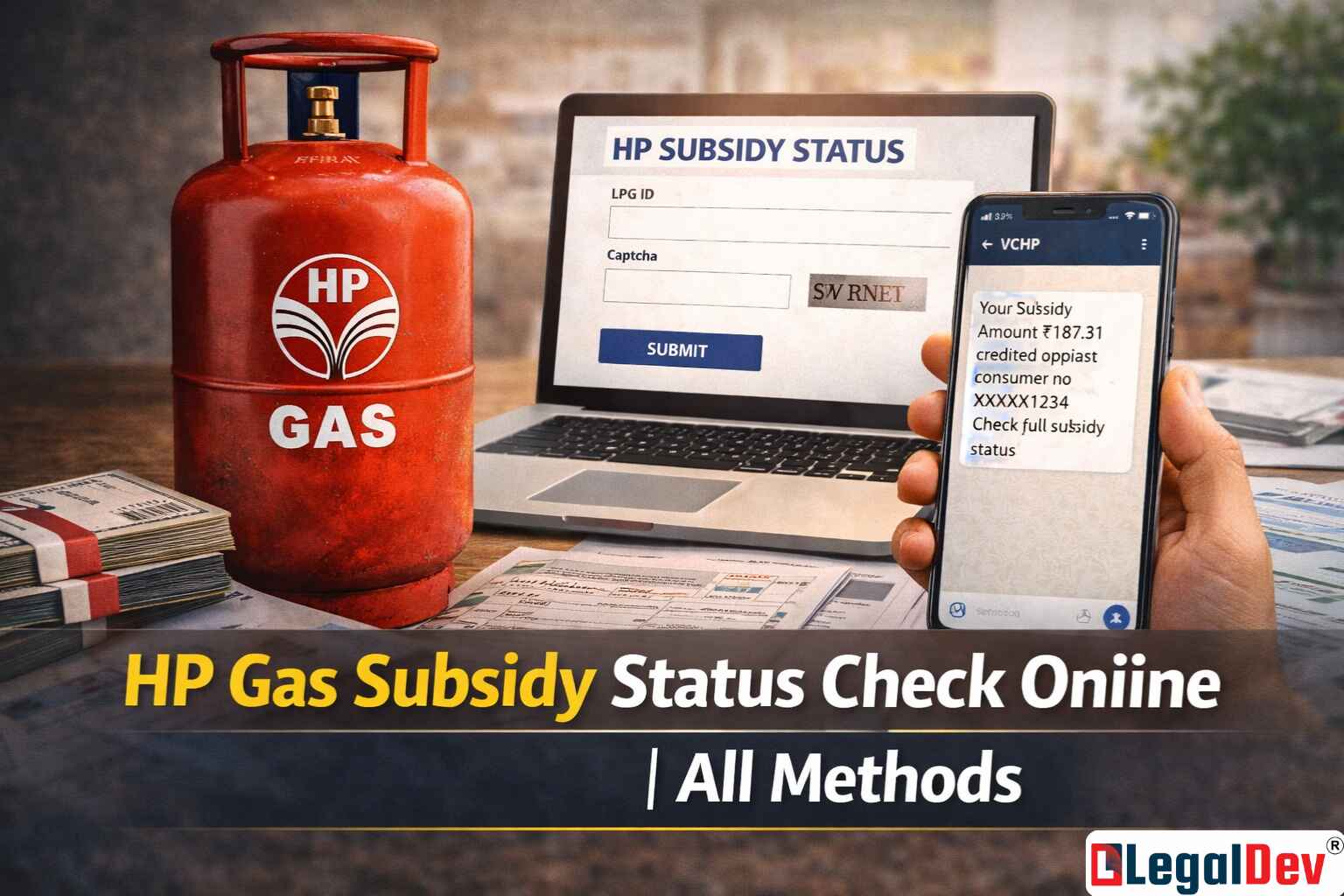
HP Gas Subsidy Status: How to Check, Apply and Fix Issues
The Indian government's LPG subsidy programme sends a portion of every cylinder's cost directly into the bank accounts of eligible customers — no middleman, no manual collection. If you're an HP Gas subscriber registered under the PAHAL scheme DBT benefit, that money is supposed to land in your account after each refill. Knowing how to check your HP Gas subsidy status means you'll catch any delay or discrepancy before it becomes a bigger problem.
Here's everything you need: how to check, how to apply, and what to do if the subsidy hasn't shown up.
HP Gas Subsidy SMS, App, Website and Call — All 4 Methods Explained
Four ways to check your subsidy — pick whichever suits you best.
HP Gas website: Log into the official HP Gas portal and look for the subsidy or cylinder tracking section. It shows the current credit status against your account.
Customer care call: Ring the toll-free number 18002333555. The IVR will walk you through the subsidy status check, or you can speak to an agent directly.
SMS to 57970: Send a text reading HPLPGID to 57970 from your registered mobile number. You'll get a reply with your subsidy details within minutes. This method works without internet access — which makes it the most practical option for rural beneficiaries who make up a large share of PAHAL enrollees.
MyLPG app: Download and register on the MyLPG app to track your HP Gas subsidy check via MyLPG app directly from your phone. Status updates are visible once your account is linked.
Keep in mind: the actual amount credited varies with the LPG cylinder cost and government policy adjustments — don't assume a fixed figure each month. Check your current DBT amount after every refill to stay accurate.
How to Check HP Gas Subsidy Online — Step by Step via the Official Website
Checking your status through the HP Gas website takes about two minutes.
-
Open the HP Gas official website and sign in to your account.
-
Look for the Track Cylinder or Subsidy Status option in the menu.
-
Enter your registered LPG ID or other required details.
-
Your current subsidy credit status will appear on screen.
That's it. If the status shows a pending credit or no transaction for a completed refill, move to the next section.
Pending HP Gas Subsidy Not Received — Here's What to Do
A pending HP Gas subsidy not received is one of the most common issues among PAHAL subscribers. Here's what typically causes it and what to fix first.
Step 1 — Check your Aadhaar linkage. The subsidy only transfers to a bank account that's linked with your Aadhaar. If you recently changed banks or the linking failed, the credit will be stuck.
Step 2 — Call 18002333555. Customer care can tell you exactly where the payment is — whether it's still at the DBT end, pending bank processing, or flagged due to a data mismatch.
Step 3 — Visit your bank branch. Take your Aadhaar card and ask the branch to confirm that your Aadhaar seeding is active. A simple re-seeding request usually clears most pending cases within 3–7 working days.
Step 4 — Contact your LPG distributor. If the account details in HP Gas's records don't match your current bank, ask your distributor to update them. Mismatched records at the distributor level are a surprisingly common cause of stopped transfers.
HP Gas Subsidy Application via PAHAL Form — What to Fill and Where to Submit
Not yet enrolled for the subsidy? Here's how to join the PAHAL scheme and start receiving HP Gas PAHAL scheme DBT benefit credits.
-
Go to the HP Gas official website.
-
Find the Join PAHAL section and open the PAHAL Forms page.
-
Download the Unified PAHAL (DBTL) Joining Form.
-
Fill in your details accurately — name, Aadhaar number, bank account number, and LPG ID.
-
Hand the completed form to your nearest HP Gas LPG distributor.
Once submitted, the distributor processes the enrolment and links your Aadhaar to your registered bank account. After successful verification, future cylinder purchases will trigger direct subsidy credits.
Frequently Asked Questions
How can I check my HP Gas subsidy status without internet?
Send an SMS reading HPLPGID to 57970 from your registered mobile number. You'll receive a text back with your latest subsidy credit details — no data connection required. Alternatively, call 18002333555 for the same information over the phone. If neither option works, your registered mobile number may have changed — visit your LPG distributor to update it.
Why is my HP Gas subsidy not credited to my bank account?
The most common reason is a broken or missing Aadhaar-to-bank-account link. Without a valid Aadhaar seeding, the DBTL transfer has nowhere to go. Other causes include a bank account number mismatch in your LPG records, a recently closed account, or a temporary hold by your bank on government credit transactions. Start by calling 18002333555 to identify the exact block — most agents can tell you within a few minutes whether the issue is at the DBT end or the bank end. Fix the Aadhaar seeding first; it resolves around 80% of pending cases.
How do I link my Aadhaar to my HP Gas subsidy bank account?
Visit your bank branch in person and ask for Aadhaar seeding on your savings account. Carry your original Aadhaar card and account details. Once the branch processes it — usually the same day — your account becomes eligible to receive direct LPG subsidy transfers. You can also do this through your bank's net banking or mobile app if Aadhaar seeding is listed under account services. Once linked, the next cylinder refill should trigger a credit automatically.
How do I change the bank account linked to my HP Gas subsidy?
Two routes work here. The first is going directly to your new bank and linking your Aadhaar to that account — once linked, the subsidy system follows the Aadhaar and starts crediting the new account. The second is visiting your LPG distributor and requesting a bank account update on your LPG file. Both methods work, but the Aadhaar route is faster — bank branches can complete seeding the same day, whereas distributor-side updates can take a few days to reflect.
How do I give up my HP Gas subsidy online?
Log into the HP Gas website and look for the Give Up Subsidy option, usually under your account settings or the PAHAL section. Enter your LPG ID and registered details, confirm the request, and submit. Your subsidy will be deactivated from the next refill cycle. This is irreversible without re-applying through the PAHAL form, so only do it if you're certain you want to opt out.
Tracking your HP Gas subsidy status regularly takes less than a minute — and it's the fastest way to catch a missed credit before it becomes two or three missed credits. Use the SMS method if internet access is limited, the website for a detailed view, or the customer care line if something looks wrong. Stay enrolled, keep your Aadhaar seeding active, and any subsidy discrepancy that does come up can usually be resolved within a week.