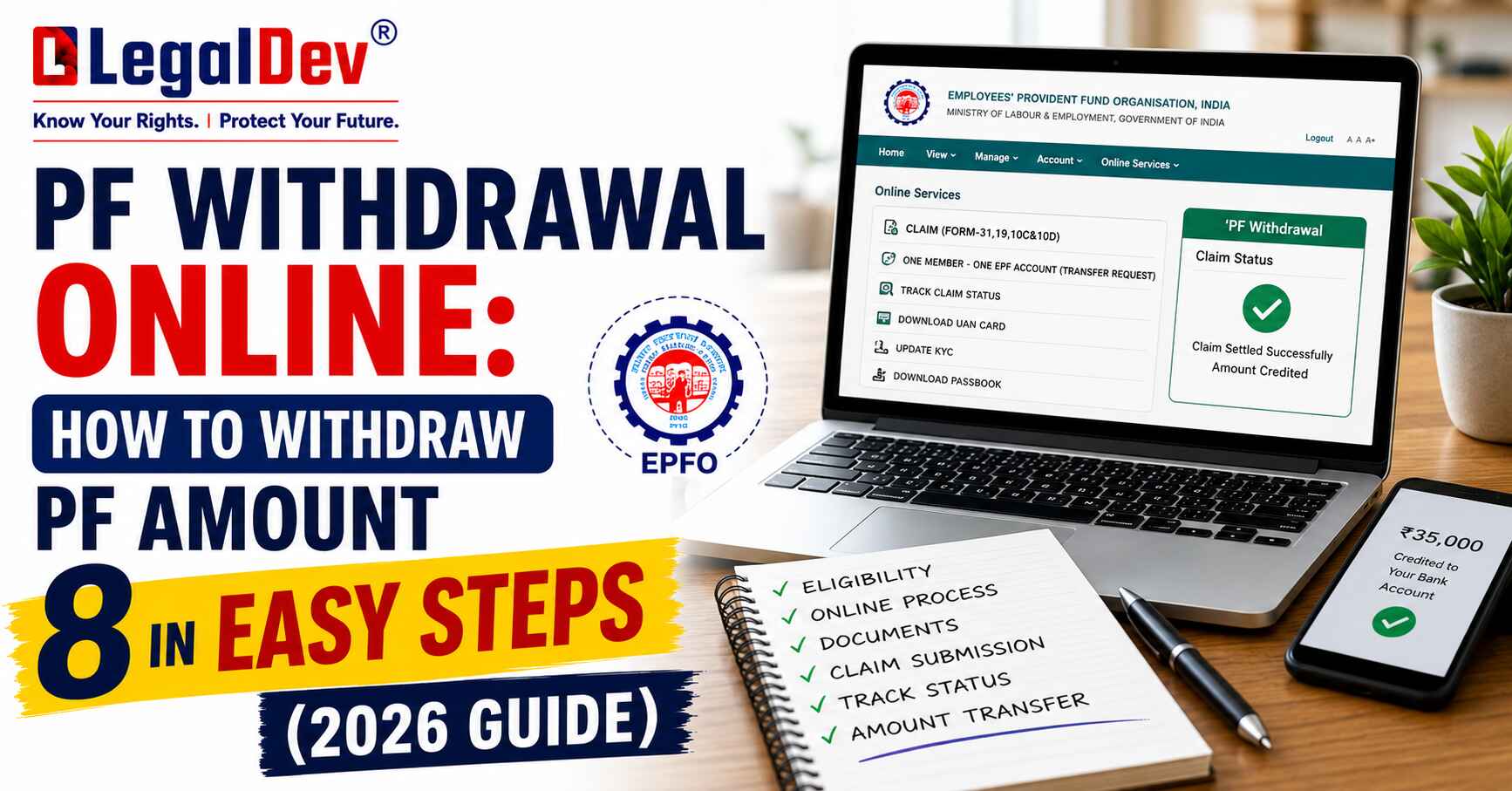
You worked hard for years. That PF balance sitting in your EPFO account is your money — and yet, a lot of people have no idea how to actually get it out. Here's what most people get wrong: they assume the process is complicated or that they need their employer's signature. Not anymore.
PF withdrawal online is now handled entirely through the UAN Member Portal, and for most claims, you don't need your employer involved at all. Whether you're withdrawing after leaving a job, approaching retirement, or need funds for a specific reason while still employed, EPFO has made the process accessible from your phone or laptop. With EPFO 3.0 rolling out, faster access — including ATM and UPI-based withdrawals — is already on the horizon.
Let's walk through exactly how it works.
How to Withdraw PF Online — The 8-Step Process
Before you start, keep your UAN, registered mobile number, and bank details handy. Here's the step-by-step breakdown:
Step 1: Head to the UAN Member Portal and log in using your UAN and password.
Step 2: Under the Manage tab, open KYC and confirm that your Aadhaar and bank account details are verified and up to date. This single step prevents most claim rejections.
Step 3: Navigate to Online Services and click on Claim (Form-31, 19, 10C & 10D).
Step 4: Enter your bank account number when prompted and hit Verify. The system cross-checks this with what's already on file.
Step 5: Click "Proceed for Online Claim" to move forward.
Step 6: From the dropdown menu, choose the claim type that applies to you:
-
PF Advance (Form 31) — if you're currently employed and need a partial withdrawal
-
Only PF Withdrawal (Form 19) — if you've already left your job
-
Only Pension Withdrawal (Form 10C) — if you've left your job and want to claim the pension portion
Step 7: Upload the required documents — typically a scanned copy of your passbook or a cancelled cheque. Make sure the image is clear and the account number and IFSC code are readable. A blurry image is one of the most common reasons claims get stuck.
Step 8: Check the disclaimer box, enter the OTP sent to your Aadhaar-linked mobile number, and hit Submit.
That's it. Once the claim is submitted, you can track its status directly on the portal.
Who Is Eligible to Withdraw EPF Online?
Not everyone can walk straight into an online claim. Your EPF balance withdrawal through the portal is only possible when the following conditions are all met:
-
Your UAN is activated
-
Aadhaar, PAN, and bank account are linked and verified on the portal
-
Your mobile number is linked to your bank account (needed for OTP verification)
-
You qualify under one of the accepted withdrawal situations — retirement, unemployment, or a valid partial withdrawal reason
Think about it this way: EPFO uses KYC verification as its gatekeeping mechanism. If any of these are missing or mismatched, the system won't let the claim through — regardless of how urgently you need the funds.
|
Requirement |
Details |
|
UAN activation |
Mandatory |
|
KYC verification |
Aadhaar and bank account |
|
Employer approval |
Not required for most online claims |
|
Processing time |
Usually 7–20 days |
|
Full withdrawal allowed |
After 2 months of unemployment or retirement |
Documents You Need Before Filing a PF Claim
Most people skip this — don't. A missing or incorrect document is the fastest way to get your claim rejected. Here's what needs to be in order before you even log in:
UAN & KYC Status
Your UAN must be active. Aadhaar and PAN should be linked and verified. Without this, the online claim option won't even appear.
Bank Account Linkage
Your bank account must be registered under your UAN. Double-check the account number and IFSC code — even one wrong digit will cause the transferred amount to bounce back.
Date of Exit
This one catches a lot of people off guard. If you've left a job and your employer hasn't updated your Date of Exit in the EPFO system, you can't file Form 10C or Form 19. Get this updated under the Service History section before attempting to claim.
Service Overlap Check
If your service history shows overlapping employment dates between two companies, the claim will fail. Review your records and raise a correction request if needed.
Types of PF Withdrawal — Rules, Limits & Conditions
1. Full PF Withdrawal
You can withdraw your entire EPF balance only under two circumstances — retirement or unemployment. Here's how it breaks down:
|
Condition |
Withdrawal Limit |
|
Unemployment |
75% immediately; remaining 25% after 2 months of unemployment |
|
Pension |
75% after 1 month; 100% after 36 months of unemployment |
The honest answer is — if you haven't been unemployed for at least 2 months, you cannot claim 100% of your PF balance. That's a firm rule, not a guideline.
2. Partial PF Withdrawal
Partial withdrawal through Form 31 is available while you're still employed, but only for specific approved reasons:
|
Purpose |
Limit |
Service Required |
Conditions |
|
Medical treatment |
Employee share or 6 months' wages |
No minimum |
Self or family |
|
Children's education |
Up to 10 withdrawals |
7 years |
For children only |
|
Marriage |
Up to 5 withdrawals |
7 years |
Self or family member |
|
House purchase |
Up to 90% of EPF |
5 years |
Property in your or spouse's name |
|
Home renovation |
12× monthly wages |
10 years |
Property in your or spouse's name |
|
Pre-retirement |
90% of balance |
After age 54 |
Within 1 year of retirement |
|
Establishment closure / no salary |
100% employee share |
2 months unpaid |
Specific conditions apply |
For partial withdrawals, self-certification is now accepted — you no longer need multiple certificates from your employer (per EPFO's order dated 20.02.2017).
3. Pension Withdrawal Rules Under EPS
Your pension portion follows different rules:
-
Less than 6 months of service: Pension withdrawal is generally not allowed
-
Between 6 months and 9.5 years: You can withdraw the full pension amount using Form 10C
-
More than 9.5 years: You're no longer eligible for a lump sum — a monthly pension applies instead
Which PF Form Should You File?
This is the part nobody talks about clearly enough. Filing the wrong form is one of the top reasons claims get rejected.
-
Form 19 — Full and final settlement of your EPF balance (use after leaving a job)
-
Form 31 — Partial withdrawal while still employed (medical, marriage, home purchase, etc.)
-
Form 10C — Pension withdrawal under EPS (use after leaving a job, if service is between 6 months and 9.5 years)
How to Withdraw PF Offline
If the online route isn't working for you — or your KYC isn't complete — offline is still an option.
Composite Claim Form (Aadhaar-based): Use this if your Aadhaar and bank details are already seeded on the UAN portal. Fill the form and submit it directly to your nearest EPFO jurisdictional office. No employer attestation required.
Composite Claim Form (Non-Aadhaar): Use this if your Aadhaar isn't linked to the portal yet. This version requires your employer's attestation before submission.
In exceptional cases — say your employer is refusing to attest the form — you can get the attestation from the bank where you hold your account and submit it to the Regional PF Commissioner along with a written explanation.
Why PF Claims Get Rejected — And How to Fix It
Here's the thing: claim rejections are almost always preventable. These are the most common reasons:
Name Mismatch: Your name in the EPFO records doesn't match your Aadhaar or bank records. The fix is submitting a Joint Declaration Form to correct it.
Unreadable Cheque Image: If the officer can't clearly make out your name, account number, or IFSC on the uploaded scan, the claim is returned. Always upload a high-resolution image.
Wrong Form Selected: Choosing Form 31 but marking the reason as "Out of Service" — or vice versa — will trigger rejection. Match the form to your actual situation.
Amount Bounced Back: Sometimes the claim is processed and the money is transferred, but it bounces because the bank account is dormant, frozen, or the IFSC has changed. Update your bank details before filing.
PF Withdrawal Tax Rules — What You'll Actually Pay
Tax treatment depends entirely on how long you've been contributing to EPF:
|
Service Tenure |
Tax Treatment |
|
5 years or more |
100% tax-free withdrawal |
|
Less than 5 years, amount below ₹50,000 |
No TDS |
|
Less than 5 years, amount above ₹50,000 |
10% TDS (if PAN is linked) |
|
Less than 5 years, PAN not linked |
TDS deducted at 30% |
If your total income falls below the taxable threshold and your service is under 5 years, submit Form 15G (for those below 60) or Form 15H (for senior citizens) to avoid TDS deduction altogether.
EPFO Customer Care — Contact Details
Frequently Asked Questions
Are EPF contributions eligible for tax deductions?
Yes — contributions to EPF qualify for a tax deduction under Section 80C of the Income Tax Act, 1961. This benefit is available only under the old tax regime, not the new one.
Can I withdraw PF without leaving my job?
Partial withdrawal is possible without resigning, but only for specific approved purposes — medical emergencies, marriage, children's education, or home purchase. Full withdrawal requires either retirement or unemployment.
Do I need my employer's permission to withdraw PF online?
No. Under the current EPFO rules, online claims through the UAN portal do not require employer approval, provided your KYC is complete and verified.
How long does an EPF claim take to settle?
Online claims with verified KYC typically settle within 3–5 working days. Offline claims can take up to 20 days from the date of submission.
What happens to my EPF account after I switch jobs?
Your existing EPF account stops receiving contributions, but it doesn't become inactive immediately. Your new employer opens a fresh account under the same UAN. You can request EPFO to merge the old and new accounts. If you don't join a new employer, you have a 3-year window to withdraw your balance before the account is marked inactive.
How can the family of a deceased EPF member withdraw the balance?
The nominee or legal heir can claim the PF balance by submitting Form 20 to the EPFO office. The pension or EPS amount can be claimed through Form 10D.
What is the retirement age for full EPF withdrawal?
The official retirement age for full withdrawal is 55 years. However, 90% of the corpus can be accessed at age 54 — one year before retirement.
Final Thoughts
Three things to take away from all of this: keep your KYC updated at all times, always match the correct form to your withdrawal reason, and check your Date of Exit if you've already left a job. These three steps alone will prevent the majority of PF withdrawal rejections.
When the time comes to make your claim, log in to the UAN Member Portal, run through the 8 steps above, and submit with confidence. Your money is there — the process just needs to be done right.
If you haven't activated your UAN or linked your Aadhaar yet, do that first. Everything else follows from there.