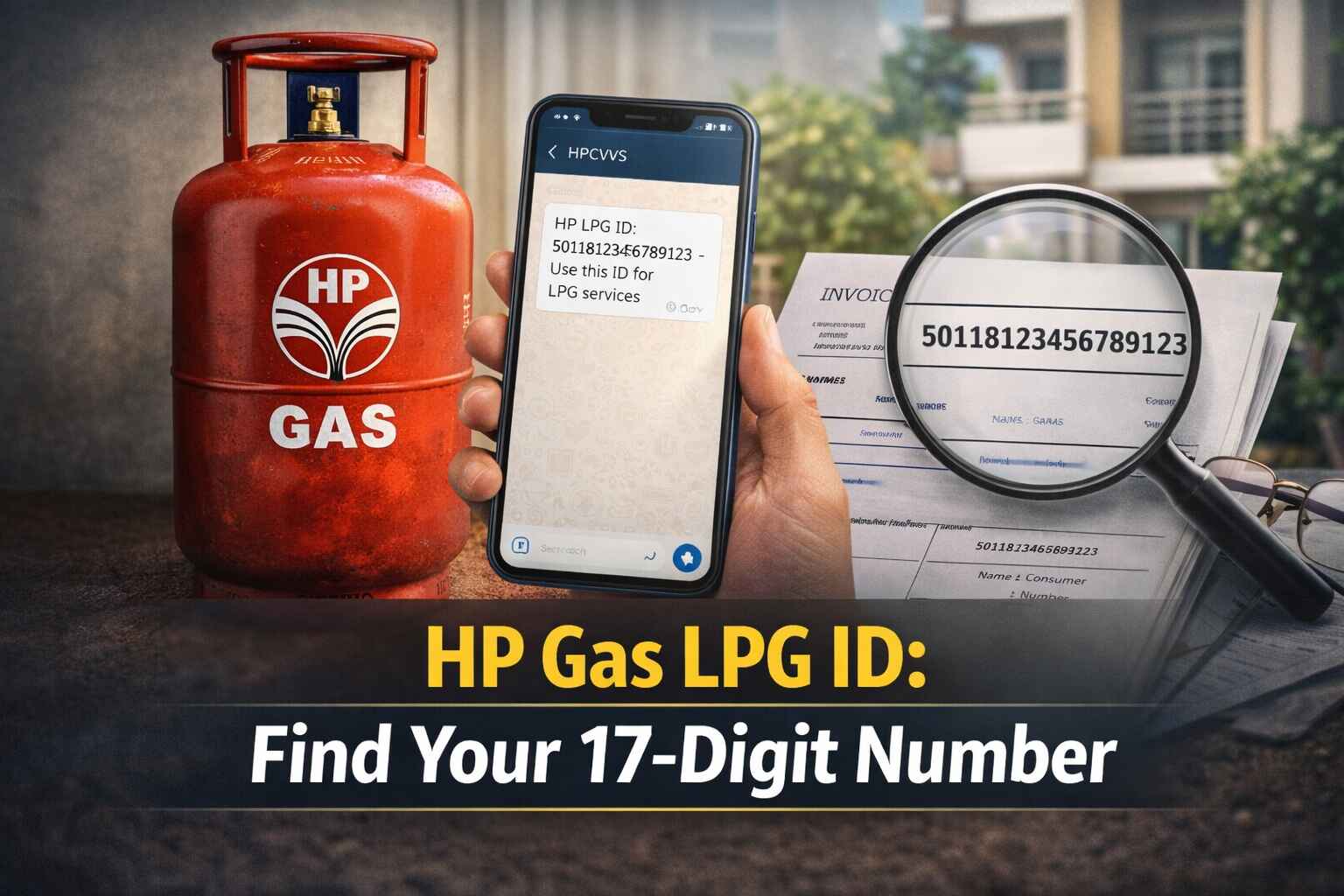
Every HP Gas connection comes with a unique 17-digit LPG ID — and without it, you can't book refills online, claim subsidies, or manage your connection through the portal. Finding it takes less than two minutes if you have your consumer number handy. This page covers exactly how to retrieve your HP Gas LPG ID using the Quick Search and Normal Search methods, what the number is actually used for, and what to do if the online method doesn't work.
Your HP Gas LPG ID: What It Is and Why You Need It
The LPG ID is a 17-digit number tied specifically to your HP Gas connection — not to you personally, but to the connection itself. Every registered connection across the HP Gas network gets its own unique ID, which means no two connections share the same number and there's no risk of mix-ups in the system.
You'll need it for more than just booking cylinders. The LPG ID is what the HP Gas portal uses to identify your account when you register online, check your refill history, or raise a service request. It's also the reference number required when you link your connection to Aadhaar and your bank account for subsidy transfers under the DBTL scheme.
If the website method doesn't work — say, you don't have your consumer number at hand — the LPG ID is also printed in your gas passbook and on the original connection documents issued when you registered.
Two Ways to Find Your HP Gas 17-Digit LPG ID Online
HP Gas offers two search options on their portal. Quick Search is faster if you already know your distributor's name and consumer number. Normal Search is better when you're not sure of the distributor name and want to browse by location.
Method 1: HP Gas LPG ID — Quick Search
-
Go to the official HP Gas website.
-
Click on the 'Find your 17 digit LPG ID' option.
-
Under the 'Quick Search' tab, type your distributor's name.
-
Enter the consumer number linked to your connection.
-
Fill in the captcha code and click 'Proceed'.
Your LPG ID will appear on the next screen.
Method 2: HP Gas LPG ID — Normal Search
-
Visit the HP Gas website.
-
Click 'Find your 17 digit LPG ID'.
-
Switch to the 'Normal Search' tab and select your State.
-
Pick your District, then choose your HP Gas Distributor from the dropdown.
-
Type your Consumer Number in the field provided.
-
Complete the captcha and click 'Proceed'.
Make sure the distributor you select matches your actual registered distributor — a mismatch here is the most common reason the search returns no result.
What Your HP Gas LPG ID Unlocks — And Why You Should Have It Ready
Refill bookings and online payments: The LPG ID is what the portal uses to pull up your account when you book a cylinder or make a payment. Without it, you can't complete transactions through the HP Gas app or website.
Tracking your usage history: Log in to the HP Gas portal with your LPG ID and you can see every refill booking, delivery status, and payment going back through your connection history. Useful when something goes wrong with a delivery or you want to check your consumption pattern.
DBTL subsidy transfers: The Direct Benefit Transfer for LPG scheme deposits the cylinder subsidy directly into your bank account rather than reducing the price at the counter. For that to happen, your LPG ID needs to be linked to your Aadhaar number and your bank account. A correct link means the subsidy lands on time; a missing or wrong ID means it doesn't.
Connection transfers and surrenders: Transferring your HP Gas connection to a family member, porting to a different distributor, or surrendering the connection entirely all require the LPG ID as the primary reference. Go to the distributor without it and expect to make a second visit.
Customer support: When you call HP Gas support, the agent uses your LPG ID to bring up your account instantly. Having it ready cuts the time it takes to resolve any issue significantly.
Frequently Asked Questions
How do I find my HP Gas LPG ID if I don't know my consumer number?
Your gas passbook and the original connection documents both carry the LPG ID — check those before anything else. If those aren't available, your nearest HP Gas distributor can look it up using your registered mobile number and a photo ID. The online portal requires the consumer number as an input, so if you don't have it, the in-person route at the distributor is the most reliable alternative.
Is the HP Gas LPG ID the same as my consumer number?
No — they're different numbers serving different purposes. Your consumer number is a shorter, distributor-level reference. The LPG ID is a 17-digit number that's unique across the entire HP Gas network nationally. You use the consumer number to look up the LPG ID on the portal; once you have the LPG ID, that's what you use for everything else going forward.
Why is the HP Gas LPG ID needed for DBTL subsidy claims?
The DBTL scheme transfers the cylinder subsidy directly to your bank account, which means the government needs to verify that the connection belongs to the right person. Your LPG ID is what ties the gas connection to your Aadhaar and bank details in the national database. Without a correctly linked LPG ID, the subsidy doesn't transfer — or it gets delayed until the link is verified. Sort this before your first refill booking, not after.
Can I use the HP Gas LPG ID to transfer my connection to a family member?
Yes, and it's a required step. When transferring or surrendering a connection, the distributor uses the LPG ID to verify the account details and process the change. It's also needed when porting to a different distributor or switching cylinder sizes. Note the number down somewhere accessible before you visit the distributor — going without it typically adds an extra trip.
What should I do if the HP Gas portal doesn't show my LPG ID after I enter the consumer number?
Start by double-checking the consumer number — one wrong digit returns no result. If you're using Normal Search, confirm that the distributor selected in the dropdown is exactly your registered distributor; even a spelling variation can cause a mismatch. If both are correct and the portal still shows nothing, call the HP Gas helpline at 1906 with your registered mobile number. They can confirm your consumer number and LPG ID directly over the call.