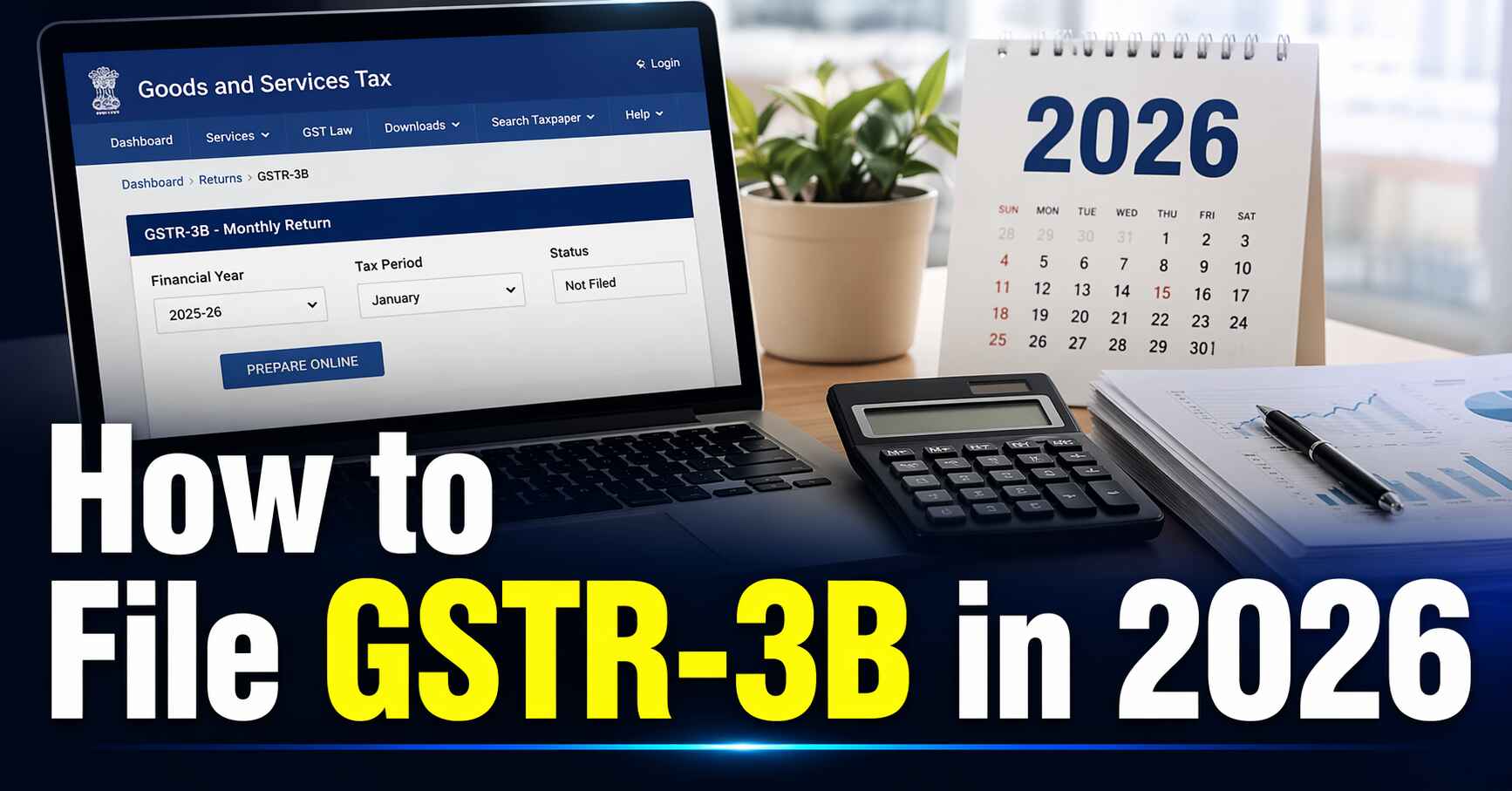
Confused About GST Returns? Start Here.
Every registered business owner in India has faced the same moment — staring at the GST portal, not knowing where to begin. Dozens of tables, cryptic field names, ITC calculations that seem impossible to crack. If that sounds familiar, this guide is exactly what you need.
This is a complete, plain-English guide to GSTR-3B — India's most important monthly GST summary return. Whether you're filing your very first gst 3b return or looking to sharpen your understanding of the format of gstr 3b, we've covered everything here, updated for 2026 with the latest GST 2.0 changes.
Grab a cup of coffee. By the end of this guide, you'll know exactly how to file gstr 3b confidently — on time, without errors, and without paying a single rupee in avoidable penalties.
1. What is GSTR-3B? (Simple Explanation)
GSTR-3B is a monthly self-declaration summary return that every GST-registered taxpayer must file with the Government of India. In this return, you report:
• Your total outward supplies (sales) for the month
• The Input Tax Credit (ITC) you are claiming
• The net GST liability after adjusting ITC
• The final tax paid through the cash or credit ledger
In simple terms, 3b in gst is your monthly tax report card — a consolidated summary you submit to the GST department saying: 'Here's how much business I did, and here's the tax I'm paying.'
Unlike GSTR-1 (which requires invoice-level detail for every sale), gst form 3b only needs totals and summaries. No individual invoice data is required here — just aggregated figures. This makes it faster to file once you understand the structure.
|
💡 Key GST 2.0 Update (2026)
GSTR-3B now features auto-population from GSTR-1 and GSTR-2B. The portal pre-fills key figures automatically — you just need to verify and submit.
This feature is now available for almost all taxpayers, significantly reducing manual data entry errors.
Under the QRMP scheme, businesses with turnover up to ₹5 crore can file GSTR-3B quarterly while making monthly tax payments via PMT-06.
|
2. Who Needs to File GSTR-3B?
If you are registered under GST, you almost certainly need to file GSTR-3B. However, a few categories are exempt. Here's the complete breakdown:
Who Must File GSTR-3B:
• Regular monthly GST taxpayers
• QRMP scheme filers (quarterly GSTR-3B with monthly PMT-06 payment)
• Casual taxable persons
• Non-resident taxable persons
• E-commerce sellers (e.g., Amazon, Flipkart sellers registered under GST)
Who Is Generally Exempt:
• Composition scheme dealers (they file GSTR-4 instead)
• Input Service Distributors (ISD) — separate return applies
• Non-resident OIDAR service providers (special provisions apply)
|
Taxpayer Category
|
Must File GSTR-3B?
|
|
Regular Taxpayer
|
Yes – Monthly (by 20th of following month)
|
|
QRMP Scheme (turnover ≤ ₹5 Cr)
|
Yes – Quarterly (22nd/24th of following month)
|
|
Composition Dealer
|
No – File GSTR-4 instead
|
|
Nil Filer (no business activity)
|
Yes – Nil GSTR-3B is still mandatory
|
|
Input Service Distributor (ISD)
|
No – Separate return required
|
|
E-Commerce Operator/Seller
|
Yes – Regular monthly filing
|
3. GSTR-3B Due Dates – Never Miss a Deadline (2026)
Missing the due date triggers automatic late fees and interest — even by one day. Mark these dates on your calendar or set reminders right n
Monthly Filers (Turnover > ₹5 Crore OR regular taxpayers):
|
Return Period
|
Due Date
|
|
January 2026
|
20 February 2026
|
|
February 2026
|
20 March 2026
|
|
March 2026
|
20 April 2026
|
|
April 2026
|
20 May 2026
|
|
Subsequent Months
|
20th of the following month
|
QRMP Scheme Filers (Turnover ≤ ₹5 Crore):
|
Quarter
|
GSTR-3B Due Date
|
|
October–December 2025
|
22 or 24 January 2026 (state-wise)
|
|
January–March 2026
|
22 or 24 April 2026 (state-wise)
|
|
April–June 2026
|
22 or 24 July 2026 (state-wise)
|
|
📅 State-wise Due Date Split (QRMP Scheme)
Category A States (22nd due date): Chhattisgarh, MP, Gujarat, Maharashtra, Karnataka, Goa, Kerala, Tamil Nadu, Telangana, Andhra Pradesh, Daman & Diu, Dadra & Nagar Haveli, Puducherry, Andaman & Nicobar Islands, Lakshadweep
Category B States (24th due date): Himachal Pradesh, Punjab, Uttarakhand, Haryana, Rajasthan, Uttar Pradesh, Bihar, Sikkim, Arunachal Pradesh, Nagaland, Manipur, Mizoram, Tripura, Meghalaya, Assam, West Bengal, Jharkhand, Odisha, J&K, Ladakh, Chandigarh, Delhi
|
4. How to File GSTR-3B Online – Step-by-Step Process
Follow these steps exactly to file gstr 3b on the GST portal. This is the official process as of 2026.
Step 1: Log In to the GST Portal
• Open your browser and go to: www.gst.gov.in
• Enter your GSTIN and password
• Complete the CAPTCHA verification and click 'Login'
• You will land on your taxpayer Dashboard
Step 2: Navigate to the Returns Section
• Click on 'Services' in the top navigation menu
• Select 'Returns' from the dropdown
• Click on 'Returns Dashboard'
• Select the relevant Financial Year and Return Filing Period (month/quarter)
• Click 'Search'
Step 3: Open GSTR-3B
• Locate the 'Monthly Return GSTR-3B' tile on the dashboard
• Click 'Prepare Online'
• If auto-populated data is available (from GSTR-1 and GSTR-2B), verify it carefully before proceeding
Step 4: Fill the Form (Table by Table)
GSTR-3B contains 6 main tables. Here's what to enter in each:
• Table 3.1 – Enter total outward supply (sales) figures
• Table 3.2 – Enter inter-state supplies made to unregistered persons (state-wise)
• Table 4 – Enter ITC (Input Tax Credit) details
• Table 5 – Enter exempt, nil-rated, and non-GST inward supplies
• Table 5.1 – Interest and late fees (auto-calculated by the portal)
• Table 6 – Final tax payment details
Step 5: Save and Preview
• Click 'Save GSTR-3B' to save your data
• Click 'Preview' to review the complete filled form
• Make corrections if needed before proceeding
Step 6: Pay Tax Liability (If Any)
• Table 6 will show the available ITC balance — this is auto-adjusted
• Pay any remaining balance via the Cash Ledger (NEFT/RTGS/UPI on the portal)
• Use the 'Make Payment / Post Credit to Cash Ledger' option on the portal
Step 7: Submit and File
• Click 'Submit GSTR-3B' — this locks your data (cannot be edited after this)
• Sign using DSC (Digital Signature Certificate) or EVC (OTP-based verification)
• Click 'File GSTR-3B with DSC/EVC'
• Save the ARN (Acknowledgment Reference Number) generated for your records
|
⚠️ Important: Submit vs. File — They Are NOT the Same
SUBMIT: You confirm all entered data. After this, no further editing is allowed.
FILE: You digitally sign and officially transmit the return to the government.
Both steps are compulsory. Just clicking 'Submit' does NOT complete the gst 3b return file process.
|
5. Documents Required to File GSTR-3B
Keep the following data and documents ready before you start. Having these prepared in advance reduces filing time to 15–20 minutes.
• Sales invoices or sales register (to calculate total outward supply)
• Purchase invoices or purchase register (inward supply data)
• GSTR-2B statement (auto-generated ITC statement available on the portal — use this as your ITC reference)
• Previous month's filed GSTR-3B (for reference and comparison)
• Bank statements or cash ledger balance (to confirm payment availability)
• Credit note and debit note records
• Reverse charge liability records (if applicable)
• Records of any advances received against future supplies
6. Format of GSTR-3B – Section-by-Section Breakdown
Understanding the format of GSTR-3B is the single biggest challenge for beginners. Here's a clear explanation of every section in the gst form 3b:
Table 3.1 – Outward Supplies & Inward Supplies Liable to Reverse Charge
This is the most critical section of the form — it captures your total sales for the period.
|
Row
|
What It Means
|
|
(a) Taxable inter-state outward supplies
|
Taxable sales made to customers in other states — IGST applies
|
|
(b) Taxable intra-state outward supplies
|
Taxable sales within your own state — CGST + SGST applies
|
|
(c) Zero-rated supply
|
Exports or supplies to SEZ units — 0% GST but refund eligible
|
|
(d) Exempt supply
|
Sales of goods/services fully exempt from GST
|
|
(e) Non-GST supply
|
Sales of items outside GST scope (e.g., alcohol, petrol)
|
Table 3.2 – Inter-State Supplies to Unregistered/Composition/UIN Holders
If you made supplies to unregistered persons in other states, provide a state-wise breakdown here. This flows into the place-of-supply tracking.
Table 4 – Eligible ITC (Input Tax Credit)
This section directly impacts your tax liability — it determines how much ITC you can offset against your output tax.
• 4A: Total ITC available (IGST, CGST, SGST, and CESS on eligible purchases)
• 4B: Ineligible ITC (blocked credits under Section 17(5) — includes motor vehicles, restaurant bills, personal expenses)
• 4C: Net ITC = 4A minus 4B — this is the amount you can actually claim
|
💡 Pro Tip on ITC
Always use GSTR-2B as your ITC reference, not your purchase register. GSTR-2B reflects only what your suppliers have reported and paid — that's the amount legally safe to claim.
Over-claiming ITC is one of the most common reasons for GST notices and demands.
|
Table 5 – Exempt, Nil-Rated, and Non-GST Inward Supplies
Report purchases made from unregistered or exempt suppliers here. If there are no such transactions, enter '0' and move on.
Table 5.1 – Interest and Late Fees
If you are filing late or have a previous underpayment, interest and late fees will be auto-calculated by the portal. You don't need to manually compute this — the system does it for you.
Table 6 – Payment of Tax
This is where the final settlement happens. Your ITC from the Electronic Credit Ledger is set off first, and any remaining balance must be paid via the Cash Ledger. IGST, CGST, and SGST are accounted for separately.
7. GST R1 and 3B – What is the Difference?
A very common question: what's the difference between gst r1 and 3b? They are related but serve entirely different purposes.
|
Basis
|
GSTR-1
|
GSTR-3B
|
|
What is it?
|
Invoice-level sales return
|
Monthly summary return
|
|
Level of detail
|
Every invoice individually
|
Totals and summaries only
|
|
Tax payment?
|
No — disclosure only
|
Yes — actual tax is paid here
|
|
Due date (monthly)
|
11th of following month
|
20th of following month
|
|
QRMP scheme
|
IFF (Invoice Furnishing Facility)
|
Quarterly 3B filing
|
|
Can be amended after filing?
|
Yes — through amendment
|
No — adjust in next month's return
|
|
Government use
|
Flows to buyer's GSTR-2A/2B
|
Confirms your tax liability
|
Golden Rule: Always file GSTR-1 before GSTR-3B. Errors in GSTR-1 affect your buyer's ITC. Errors in GSTR-3B affect your own tax liability. Both matter — neither can be ignored.
8. Common Mistakes and How to Avoid Them
These are the errors that generate GST notices and cause unnecessary penalties. Read this section carefully.
Mistake 1: Mismatch Between GSTR-1 and GSTR-3B
If the sales figures in your gst r 3b do not match your GSTR-1, the GST department will issue a mismatch notice. Always file GSTR-1 first, then verify the auto-populated data in GSTR-3B before submitting.
Mistake 2: Over-Claiming or Wrong ITC
Claiming ITC that is not in your GSTR-2B — or claiming blocked credits under Section 17(5) — is a guaranteed route to a scrutiny notice. Blocked ITC includes: restaurant bills, motor vehicles for personal use, club memberships, and personal expenses. Only claim what GSTR-2B shows.
Mistake 3: Not Filing a Nil Return
Had zero business activity this month? You still need to file a Nil GSTR-3B. Skipping it results in automatic late fees. Nil return filing takes under 2 minutes on the portal.
Mistake 4: Forgetting the 20th Deadline
For gst r1 and 3b monthly filers, the 20th is the absolute deadline every single month. Set a calendar reminder. One day late triggers late fees and 18% annual interest on any unpaid tax.
Mistake 5: Ignoring Reverse Charge Mechanism (RCM)
If you've purchased services from an unregistered person (e.g., a lawyer, a freelancer) or bought certain specified goods, Reverse Charge Mechanism applies. You must report the liability in Table 3.1 and pay the tax yourself — the supplier doesn't collect it.
Mistake 6: Stopping at 'Submit' Without 'Filing'
Clicking 'Submit' locks your data but does NOT complete the return. You must also click 'File' and authenticate using EVC (OTP) or DSC. A return that is only submitted — not filed — is not considered filed by the system.
9. Penalties and Late Fees – What Happens If You Miss the Deadline
|
Category
|
Late Fee per Day
|
|
Normal taxpayer (with tax liability)
|
₹50/day — ₹25 CGST + ₹25 SGST
|
|
Nil return filer (zero tax liability)
|
₹20/day — ₹10 CGST + ₹10 SGST
|
|
Maximum late fee cap
|
₹10,000 per return (as per current norms)
|
|
Interest on unpaid/short tax
|
18% per annum on the outstanding amount
|
|
Repeated non-filing
|
Risk of GST registration cancellation
|
|
📌 2026 Update – GST Amnesty Scheme
The government has periodically launched Amnesty Schemes for taxpayers with old pending returns (from FY 2017-18 onwards).
If you have unfiled or pending GSTR-3B returns, check whether relief is available under the current scheme before paying full penalties.
Visit legaldev.in > GST Services for the latest updates — don't ignore old pending returns.
|
10. GSTR-3B Download – How to Get Your Filed Return
Keeping a copy of every filed GSTR-3B is important for your accounts, GST audits, and any future disputes. Here is how to download gstr 3b from the official portal:
Method 1: Direct Download from Returns Dashboard
1. Log in to the GST portal at www.gst.gov.in
2. Go to Services > Returns > Returns Dashboard
3. Select the relevant Financial Year and period
4. In the GSTR-3B tile, click the 'Download' option
5. Choose PDF or Excel format — both are available
Method 2: View Filed Returns
6. Navigate to your Dashboard
7. Select 'View Returns / View Filed Returns'
8. A list of all your filed returns will appear
9. Select the relevant period and click 'View/Download'
|
💡 Pro Tip: gst3b download Best Practice
After every successful filing, immediately download the PDF acknowledgement and save it in a dedicated folder (e.g., Google Drive > GST Returns > FY 2025-26).
This 2-minute habit will save hours during audits, CA consultations, or bank loan applications.
|
11. Expert Tips for Beginners – Things You Won't Find in Any Textbook
Tip 1: Treat GSTR-2B as Your ITC Bible
GSTR-2B is auto-generated on the GST portal every month. It shows exactly the ITC you are eligible to claim — based on what your suppliers have reported and paid. Always cross-check Table 4 of your gst 3b return against GSTR-2B before filing. This prevents both over-claiming and under-claiming.
Tip 2: Use the Quick Nil Return Feature
The portal has a dedicated 'Quick Nil Return Filing' shortcut. If you had no transactions in a particular month, use this feature — it takes under 2 minutes and keeps your compliance record clean.
Tip 3: Use Accounting Software for Efficiency
If your monthly turnover exceeds ₹10 lakh, consider using Tally Prime or any GSTN-integrated accounting software. These tools automatically prepare your GSTR-3B data from your transaction records — you just need to upload and file.
Tip 4: EVC vs. DSC — Which Should You Use?
Proprietors and individual taxpayers can use EVC (OTP sent to registered mobile/email) — no USB token or physical device needed. Companies and LLPs are required by law to use DSC (Digital Signature Certificate) for all GST filings.
Tip 5: Check the Auto-Draft Summary on the Portal
GSTN's System Generated Summary (SGS) feature creates a draft GSTR-3B pre-filled from your GSTR-1 and GSTR-2B data. Before filling anything manually, check this draft and compare it against your books. It catches most discrepancies automatically.
Tip 6: Amendments Are Not Possible in GSTR-3B — Plan Ahead
Once gst 3b return is filed, it cannot be directly amended. However, GSTR-1 can be amended. If you reported incorrect figures in GSTR-3B, adjust them in the next month's return (positive or negative adjustment). Don't panic — this is a standard, accepted practice.
Tip 7: Professional Help Is Always a Smart Investment
First-time filers especially benefit from working with an experienced GST professional or CA for the first two or three months. The learning curve is steep but short. legaldev.in provides expert GST filing assistance — accurate, on time, and at a transparent flat fee.
12. Frequently Asked Questions (FAQs)
Q1. Is GSTR-3B the same as GSTR-1?
No. GSTR-1 is a detailed invoice-level return for all your outward sales. GSTR-3B is a monthly summary return where the actual tax is paid. They are different forms but closely linked — GSTR-1 data feeds into the buyer's GSTR-2A/2B, which in turn influences their ITC claim in their own gst r 3b.
Q2. How do I file a Nil GSTR-3B?
Log in to the GST portal > Returns Dashboard > GSTR-3B > When asked 'Do you want to file Nil Return?' select 'Yes' > Verify OTP via EVC > Done. The entire process takes 2–3 minutes. There is no need to fill any tables.
Q3. Can GSTR-3B be amended after it is filed?
No — a filed GSTR-3B cannot be directly amended. If you paid less tax than required, pay the shortfall in the next month with applicable interest. If you overpaid, the excess will remain as a credit in your Electronic Cash Ledger and can be offset against future liability.
Q4. What is the difference between GSTR-2B and GSTR-3B?
GSTR-2B is an inbound auto-generated ITC statement — it tells you how much ITC you are eligible to claim based on your suppliers' filings. GSTR-3B is an outbound return that you file, reporting your sales, ITC claimed, and tax paid. GSTR-2B data is used to fill Table 4 of GSTR-3B.
Q5. What happens if I claim excess ITC in GSTR-3B?
If excess ITC is detected during audit or scrutiny, you will be required to reverse the amount along with interest at 24% per annum, plus potential penalties. Always stick to GSTR-2B figures — never claim more than what is reflected there.
Q6. What is the QRMP Scheme and how does 3B filing work under it?
The QRMP (Quarterly Return Monthly Payment) scheme is available for taxpayers with annual turnover up to ₹5 crore. Under this scheme, you file GSTR-3B quarterly (not monthly), but you pay GST monthly using Form PMT-06. This reduces return filing burden significantly for smaller businesses.
Q7. I can't log in to the GST portal. What should I do?
First, use the 'Forgot Password' option on the login page. If the issue persists, contact the GST helpdesk at 1800-103-4786 (toll-free). Alternatively, contact legaldev.in for immediate expert assistance.
Q8. I have multiple GSTINs. Do I need to file GSTR-3B for each?
Yes — every GSTIN requires a separate gst 3b return file submission. Multi-state businesses with registrations in multiple states must file individual returns for each state-specific GSTIN. Accounting software or professional assistance is strongly recommended in such cases.
Q9. From which date is interest calculated on late GST payment?
Interest begins accruing from the day after the due date. For example, if your due date is 20th January and you file on 20th February, interest will be charged for all 31 days at an annual rate of 18%.
Q10. Where can I do a gst3b download for a previously filed return?
GST Portal > Services > Returns > Returns Dashboard > Select period > Locate GSTR-3B with 'Filed' status > Click Download. The PDF is generated instantly and can be saved or printed.
Conclusion – You're Ready to File GSTR-3B Like a Pro
If you have read this guide from start to finish, you now have a thorough understanding of the entire GSTR-3B process — from what gst3b is and who needs to file it, to exactly how to file gstr 3b online, what documents to keep ready, and how to avoid the mistakes that generate notices.
Here's a quick recap of the most important points:
• GSTR-3B is a mandatory monthly (or quarterly) GST summary return
• Monthly filers must file by the 20th of the following month
• A Nil return must also be filed even if there is no business activity
• Always verify ITC against GSTR-2B — never over-claim
• 'Submit' and 'File' are two separate steps — both are mandatory
• Download and archive every filed return immediately after filing
• Use gst3b download to retrieve past returns from the GST portal anytime
GST compliance is not just a legal requirement — it is a reflection of how professionally you run your business. File on time, file accurately, and maintain clean records. Your business will be stronger for it.
|
🚀 Need Expert Help With Your GSTR-3B? | legaldev.in
Want a qualified CA to file your GSTR-3B — correctly, on time, and completely hassle-free?
legaldev.in offers expert GST filing services, GST registration, notice reply, and all GST-related compliance.
Transparent pricing. No hidden charges. First consultation is FREE.
👉 Visit: www.legaldev.in | Call/WhatsApp: +91-8588808388
|
Disclaimer: This article is for educational purposes only. Tax laws and GST regulations are subject to change. For personalized advice specific to your business situation, consult a qualified CA or GST professional at legaldev.in. Last updated: April 15, 2026.
www.legaldev.in | For GST Filing Help, Contact Us Today