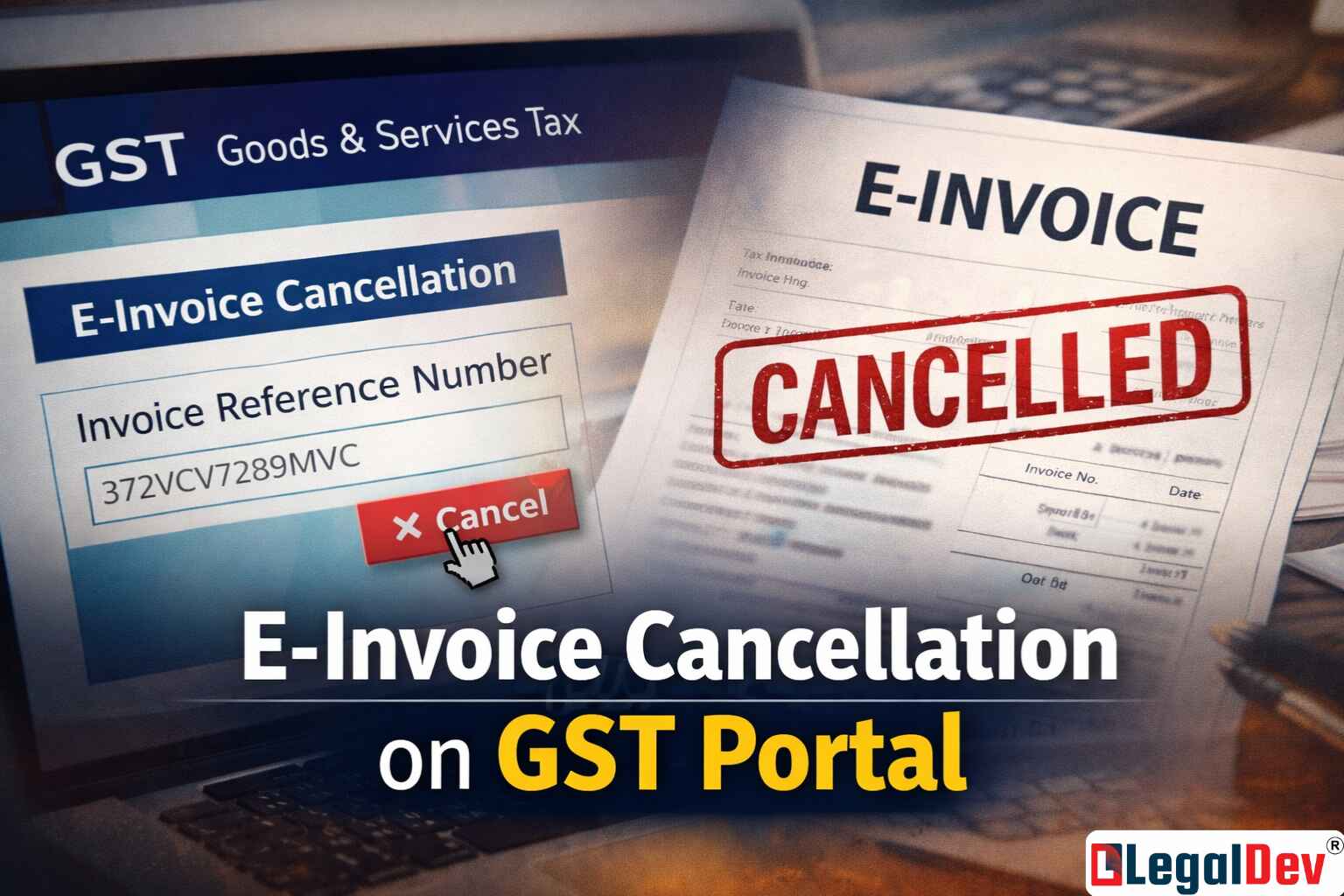
E-Invoice Cancellation on GST Portal: What You Actually Need to Know
E-invoicing has changed how returns get filed in India — and for the better, mostly. It tightens the loop on tax evasion and cuts down on the manual reconciliation work that used to eat up hours each month. But understanding how e-invoice cancellation and amendment works under this system is where a lot of businesses get tripped up.
Here's a clear breakdown of what's allowed, where it's allowed, and what happens when you miss the window.
How the IRP Actually Works Before You Cancel Anything
Every e-invoice in India runs through a defined structure. A unique Invoice Reference Number (IRN) gets assigned to each invoice through a hash generation algorithm based on a prescribed schema. The taxpayer can either generate the IRN themselves or push the invoice to the IRP, which then generates it. When the taxpayer generates it, the IRP validates it before the invoice is considered live.
One rule that's been actively enforced since May 2023: taxpayers with an annual turnover of Rs. 100 crore or more are required to report tax invoices and credit-debit notes (CDNs) to the IRP within 7 days of the invoice date. This rule was announced via a GSTN advisory on April 13, 2023.
Worth knowing: on May 6, 2023, the department pushed back the implementation of this 7-day reporting rule by three months for older invoices. The revised date was still pending official announcement as of the deferral notice.
The IRP's job is authentication — checking whether the invoice follows the correct schema, whether all mandatory parameters are present, and whether the IRN is truly unique. Once it validates an invoice, it passes the data to the GST portal. The IRP and the GST portal are separate systems, which is exactly why cancellation rules differ between the two.
The 24-Hour IRN Cancellation Rule — And Why It's Stricter Than You Think
The IRP processes invoices one at a time and is built to stay lean. To keep the system fast and the servers from getting bogged down, the IRP doesn't store e-invoices for longer than 24 hours.
That 24-hour window is also the only time you can cancel an e-invoice directly on the IRP. Miss it, and that door closes permanently. If you've ever tried to cancel an invoice after that window closed, you already know this the hard way.
There's another hard rule here: partial cancellation doesn't exist. The entire invoice has to be cancelled — you can't remove one line item and keep the rest. And amendments to the invoice? Those aren't possible on the IRP at all. That's what the GST portal is for.
How to Cancel or Amend an e-Invoice on the GST Portal
While the IRP only gives you 24 hours, the GST portal operates under standard GST law provisions — which means amendment and cancellation can happen here as long as you do it before filing your GSTR-1.
This is where most businesses end up handling corrections. Both amendments and cancellations of e-invoices get reported through Form GSTR-1, just as they were before e-invoicing came in. The scope for making changes didn't shrink with e-invoicing — it just shifted to the right platform.
Step-by-Step: Cancelling a Single e-Invoice on the Portal
Three situations typically call for cancelling an e-invoice:
-
Incorrect entry in the original invoice
-
Duplicate entry submitted by mistake
-
Buyer cancels the order after the invoice was raised
Keep the e-invoice open and ready before starting. Then follow these steps:
Step 1: Log in to the e-Invoice portal and go to 'Cancel' under the 'E-Invoice' menu on your dashboard.
Step 2: Type in either the acknowledgement number or the IRN and click 'Go.' The system pulls up the invoice linked to that number.
Step 3: Pick the reason for cancellation from the dropdown. Add your remarks in the text field and hit 'Submit.'
A confirmation message appears once it's done. The invoice gets a 'Cancelled' watermark — and that's it.
Bulk e-Invoice Cancellation: The JSON Method Most People Miss
If you're dealing with more than a handful of invoices, doing them one at a time isn't practical. The portal has an offline utility tool specifically for this, and most people don't know it's there.
Step 1: Head to the 'Help' section on the e-Invoice portal and click 'Bulk Generation Tools.'
Step 2: Download the offline utility named 'e-Invoice Cancel by IRN – JSON Preparation'.
Step 3: Fill in the required columns — IRN, reason for cancellation, and cancel remarks. Hit 'Validate' to catch any errors before moving ahead. Fix whatever shows up.
Step 4: Once validation passes, click 'Prepare JSON.' This generates the file you'll upload next.
Step 5: Log back into the e-Invoice portal, go to the e-Invoice section, click 'Bulk IRN Cancel,' and upload the JSON file.
The system processes all entries in the file in one go. Much faster than the manual route for high volumes.
e-Invoice Cancellation FAQs: Real Questions, Straight Answers
Can I reuse the same invoice number after an IRN cancellation?
Once an IRN is cancelled, that invoice number is locked out permanently. Reporting it again triggers an automatic rejection from the IRP — the system treats it as a duplicate. You'll need to raise a fresh invoice with a new number and get a new IRN assigned to it.
I already generated an e-way bill against this invoice. Can I still cancel the IRN?
No — active e-way bills block IRN cancellation at the IRP level. You'd need to cancel or expire the e-way bill first, then come back to cancel the IRN. Before doing that, confirm the goods haven't already left — cancelling after dispatch creates a compliance gap that's harder to fix.
Does my GSTR-1 get updated automatically once I cancel an e-invoice?
Yes. The GST portal marks that entry in your GSTR-1 as 'cancelled' the moment the IRN is cancelled — no manual update needed. That said, always run a quick check on your GSTR-1 before filing just to confirm the status is showing correctly. It usually does, but a two-second check saves a lot of follow-up work later.
How do I cancel an e-invoice after the 24-hour IRP window has passed?
Once 24 hours pass, IRP cancellation is no longer an option. The only path forward is the GST portal — log in, find the invoice, and use the cancellation or amendment option there before you file GSTR-1. The portal method isn't as seamless as IRP cancellation, so check your GSTR-1 manually after doing it this way. Once that 24-hour window shuts, it doesn't reopen.
What counts as a valid reason for e-invoice cancellation?
The portal accepts three: an incorrect entry, a duplicate submission, or a buyer-cancelled order. Outside these three situations, amending the invoice through GSTR-1 is usually the right move rather than cancelling it entirely. When in doubt, pick the closest matching reason and write a clear explanation in the remarks field — it helps if there's ever a query later.